What “instant” means
An instant reply goes out before anyone has read the message. That is all it does. It answers a thumbs-up with “Thanks for getting in touch”. It answers a reaction to your Story. It answers a shared Reel. It answers another business’s automation, so two machines exchange pleasantries under your name. And it tells a customer you’ll get back to them soon at eleven in the morning, when they can see you are online.
Meta’s help page, read on 3 November 2026, describes Instant Replies as a response that “will send instantly to the first message someone sends your business”, across Facebook, Messenger and Instagram. The first message, whatever it is.
What ours checks before it speaks
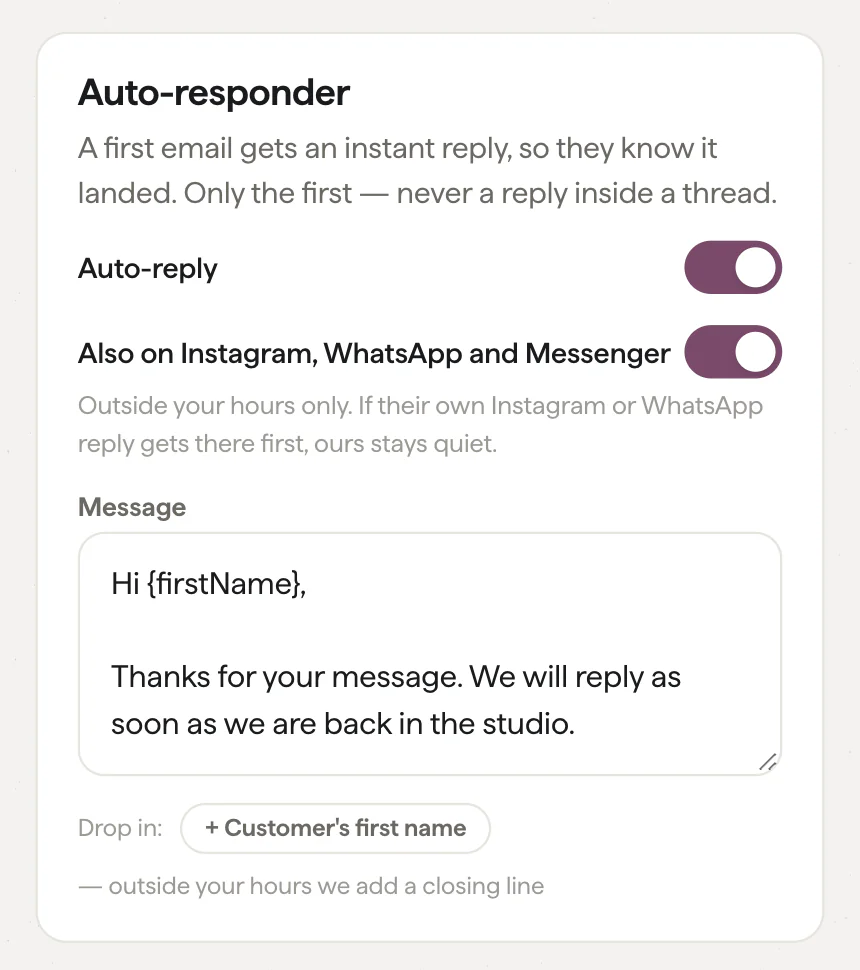
The auto-reply in Inbox is the written message you already use for a first email, and it can now answer on Instagram, WhatsApp and Messenger. Before it does, it checks six things.
- The message arrived outside your hours. Inside them a person is there, and a canned line arriving in seconds reads as a bot.
- There are words in it. An emoji, a thumbs-up, a sticker, a reaction to your Story or a shared post gets nothing, because there is nothing to reply to.
- It came from a person. A card sent by an automation tool, the kind that fires when someone follows an account, is filed quietly and never answered. A thread Inbox has already set aside is never answered either.
- It is a fresh enquiry. If you have written to this person in the last week, this is a conversation in progress, and it stays yours.
- Nobody has answered yet. More on the minute below.
- It is the first one today. However many messages they send, one reply.
And if you have no business hours set, it never sends. It has no way of knowing you are closed.
The minute
Inbox waits a minute before sending. Most businesses that turn ours on will have tried Meta’s at some point, and some will leave it on. If their reply goes out first, ours stays quiet. If someone on the team answers from their phone, in the Instagram app or in WhatsApp, ours stays quiet. Inbox sees both, because a reply sent outside Inbox lands in the thread as well.
Nobody is kept waiting by a minute, and a customer who gets two welcome messages notices.
It is a receipt, not a reply
When ours goes out, the thread still shows the customer waiting. The reminder Inbox sends before Instagram’s 24-hour reply window closes still goes to a person. Nothing is marked done. The auto-reply tells the customer the message landed and when you are back, and the reply itself is still yours to write.
It is not written by AI either. It is your message, with the customer’s first name filled in where Inbox has one, and “there” where all it has is a phone number or a handle. Outside your hours it ends with when you are back, unless you have said so yourself. Nothing is generated, and nothing reaches a customer that you did not write.
Why so much care over a small feature
A customer who gets a canned “thanks for getting in touch” in answer to a thumbs-up learns that your messages are automatic, and reads the next real one the same way. Every rule above is there to protect the replies you write yourself. The feature is off by default, even for accounts that already use the email auto-reply, because we would rather a business switched it on knowing exactly what it does.
This is the small-business mindset applied to one switch. The people who run shops, studios and trades know what a bad auto-reply looks like from the customer’s side, because they are customers too. We built the one we would want to receive.
Turning it on
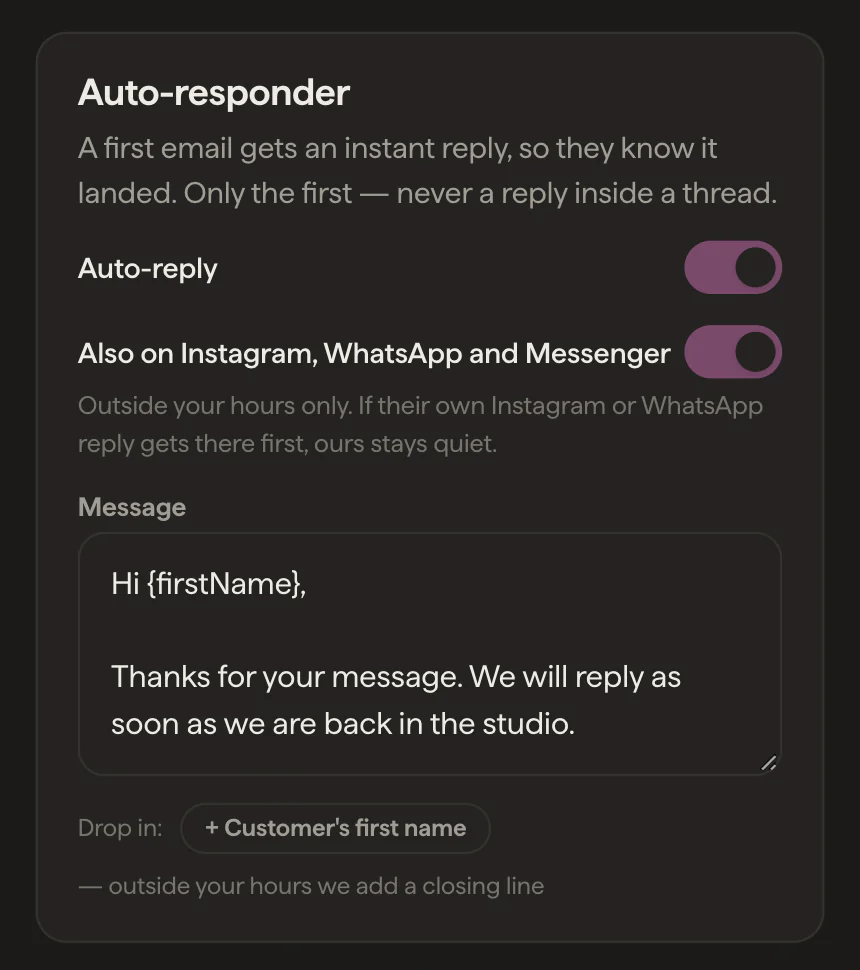
In Inbox, open Brand Voice and find the Auto-responder card. Switch on the email reply if it isn’t already, write the message, and switch on “Also on Instagram, WhatsApp and Messenger”. If you haven’t set your hours, they live in Settings. Inbox will also offer the switch once, on a message that arrived outside your hours, where you are.