Book from the message
When a customer asks for a time, press the plus under the reply box and choose Booking. Across the top are the things people book with you, in your own words: a ring fitting, a studio visit, a table for six, a call. Inbox reads the customer’s message and picks what it plainly says, so “a ring fitting on Saturday at 11” opens with Ring fitting, Saturday and 11:00 already chosen. You check it, add a line of your own if you like, and confirm.
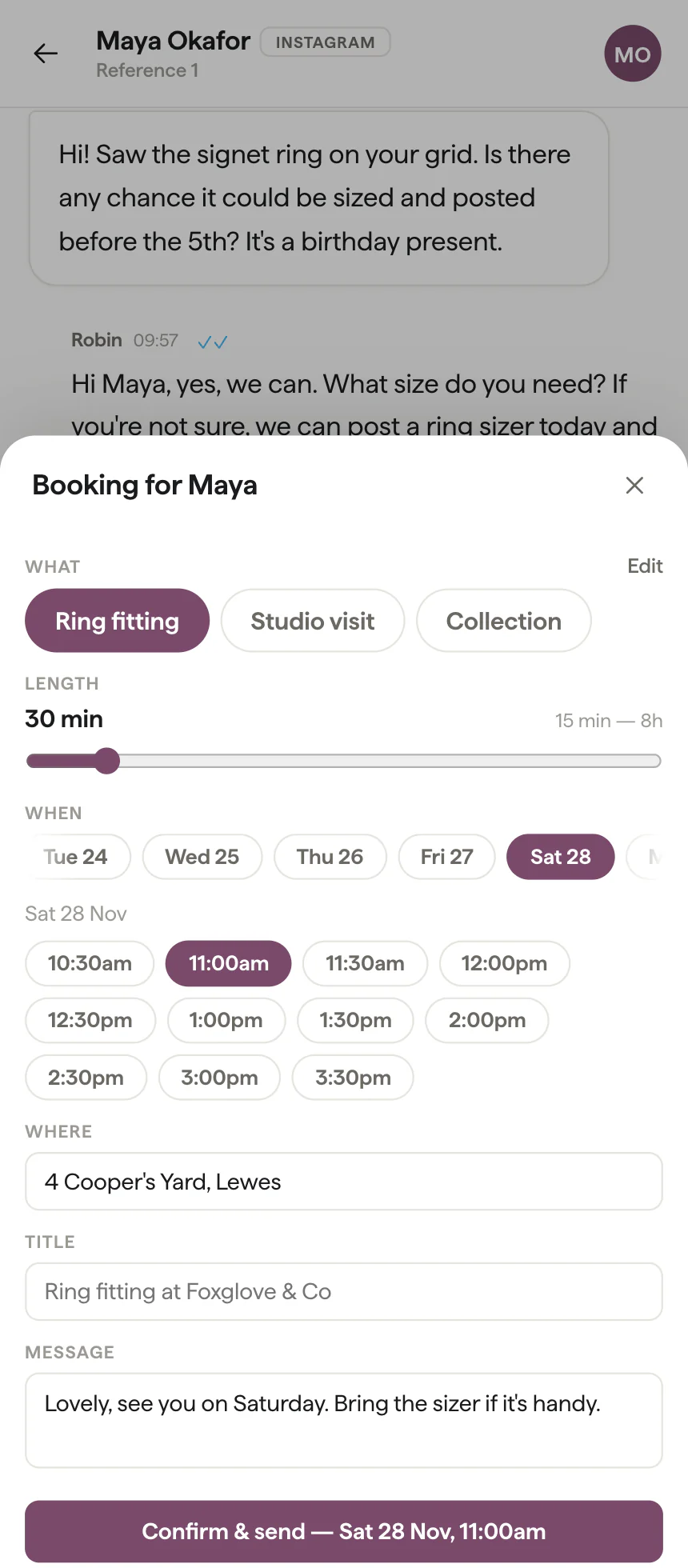
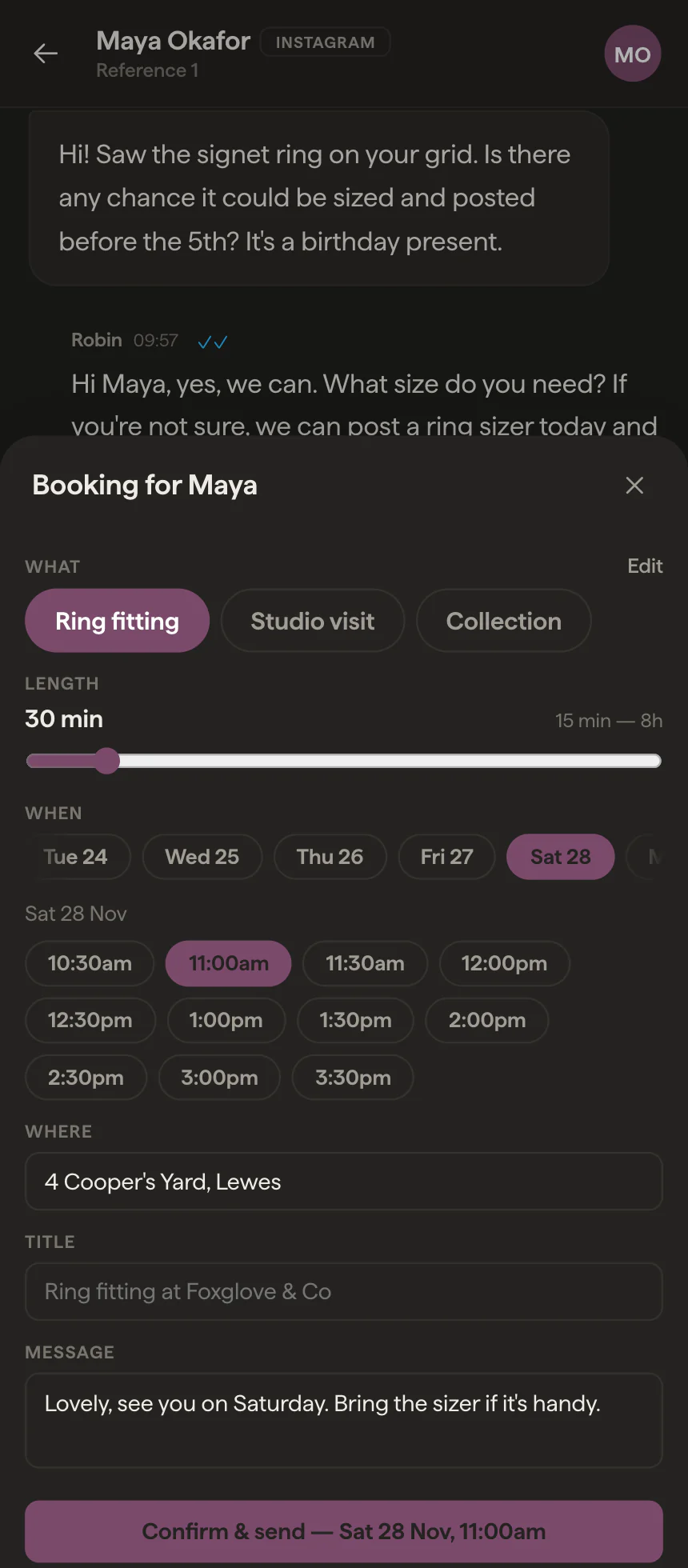
The times on offer sit inside your opening hours, around everything already booked and around any time you have blocked out. Connect Google Calendar and the times you’re busy there are left out too.
There is no public page where customers choose their own slot. Someone on your team books them in, in the conversation. If you already take bookings on your own booking site, add its link once and the booking form offers to put it in your reply.
The confirmation comes from you
The customer hears back where they wrote: a message on WhatsApp, Instagram, Messenger, Telegram or the chat on your website, with a way to add the booking to their own calendar. If they wrote by email, or the time for replying on that app has run out, the confirmation goes by email with a calendar file attached. The email carries your business’s name, colour and signature, and nothing of ours.
Every confirmation ends by inviting the customer to reply if the time needs to change. The reply arrives in the same conversation, where anyone on the team can move the booking or cancel it, and Inbox sends the customer the new details.
For a call, the booking can carry a video link: a Google Meet link made for you when Google Calendar is connected, or the meeting link you already use, added once in your settings.
On the calendar you already carry
Every booking shows on the Calendar in Inbox: your week laid out by day, with the time you’ve blocked out and the reminders that are due. Tap an empty space to book someone in, block the time, or add a note for yourself.
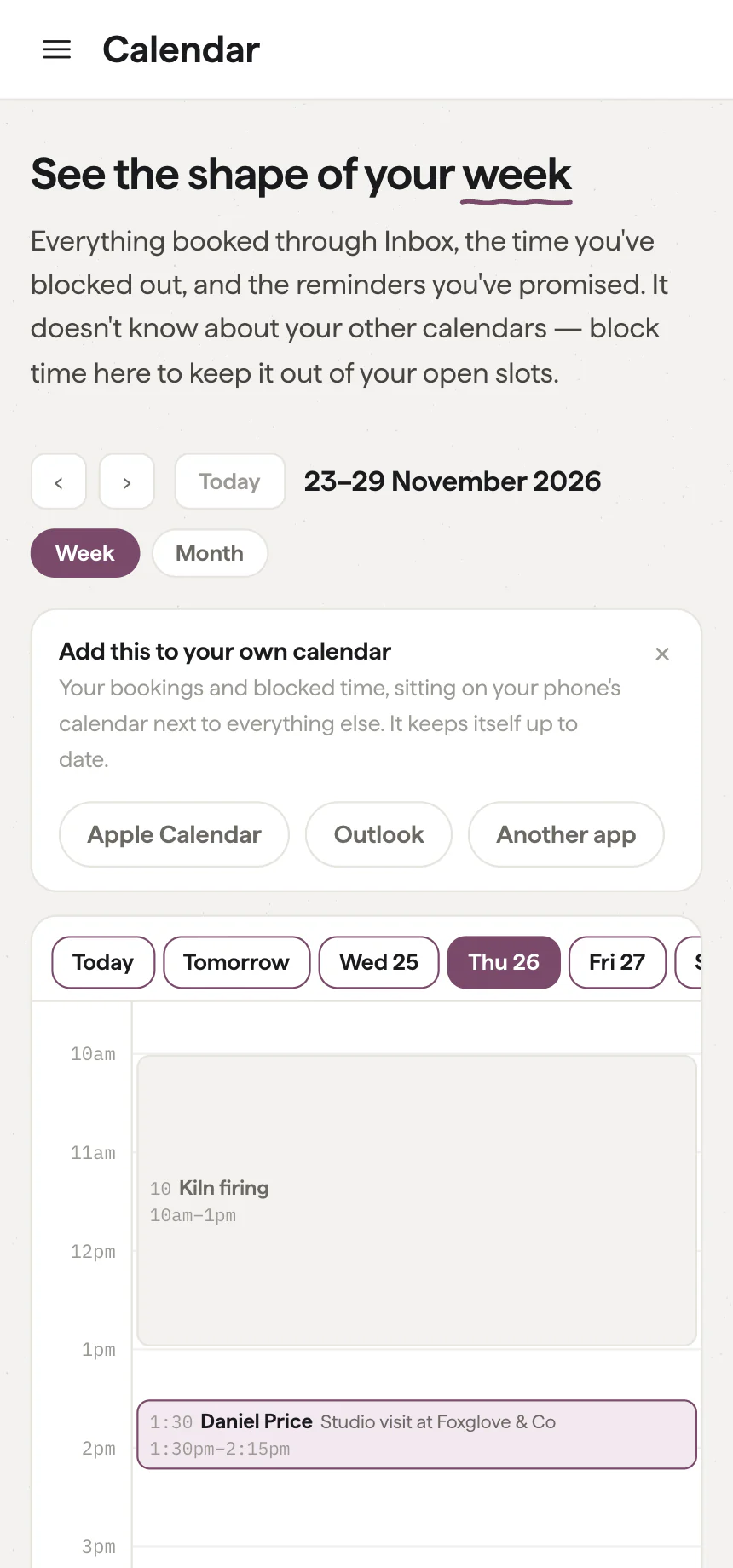
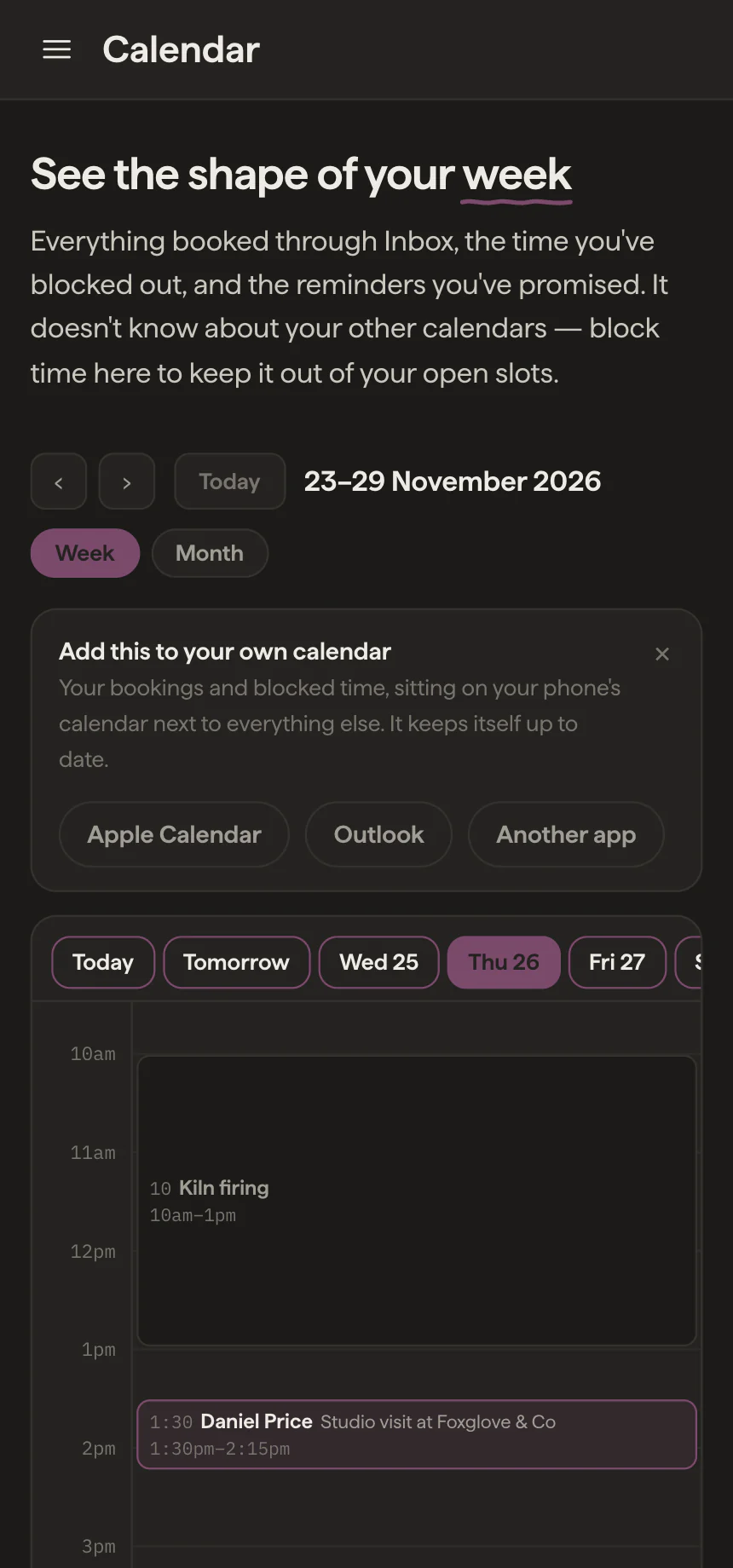
You don’t need to open Inbox to see your day. One tap adds your bookings to Apple Calendar or Outlook, and a link works in any other calendar app, so they sit on your phone next to everything else. They arrive as a calendar of their own, named after your business, holding only what is booked or blocked out in Inbox. Your calendar app decides how often it checks for changes, so a booking moved in the morning can take a few hours to show there. Inbox has it straight away.
If your diary lives in Google Calendar, connect that instead. Each booking is written into it as it’s made, along with the time you block out in Inbox, and Inbox stops offering times when Google shows you as busy.
What’s on today
Up Ahead, the line at the top of your inbox, shows today’s and tomorrow’s bookings beside the reminders that are due. Tap one and its conversation opens. On a laptop it is a card of its own at the front of the inbox.
The customer, not only the time
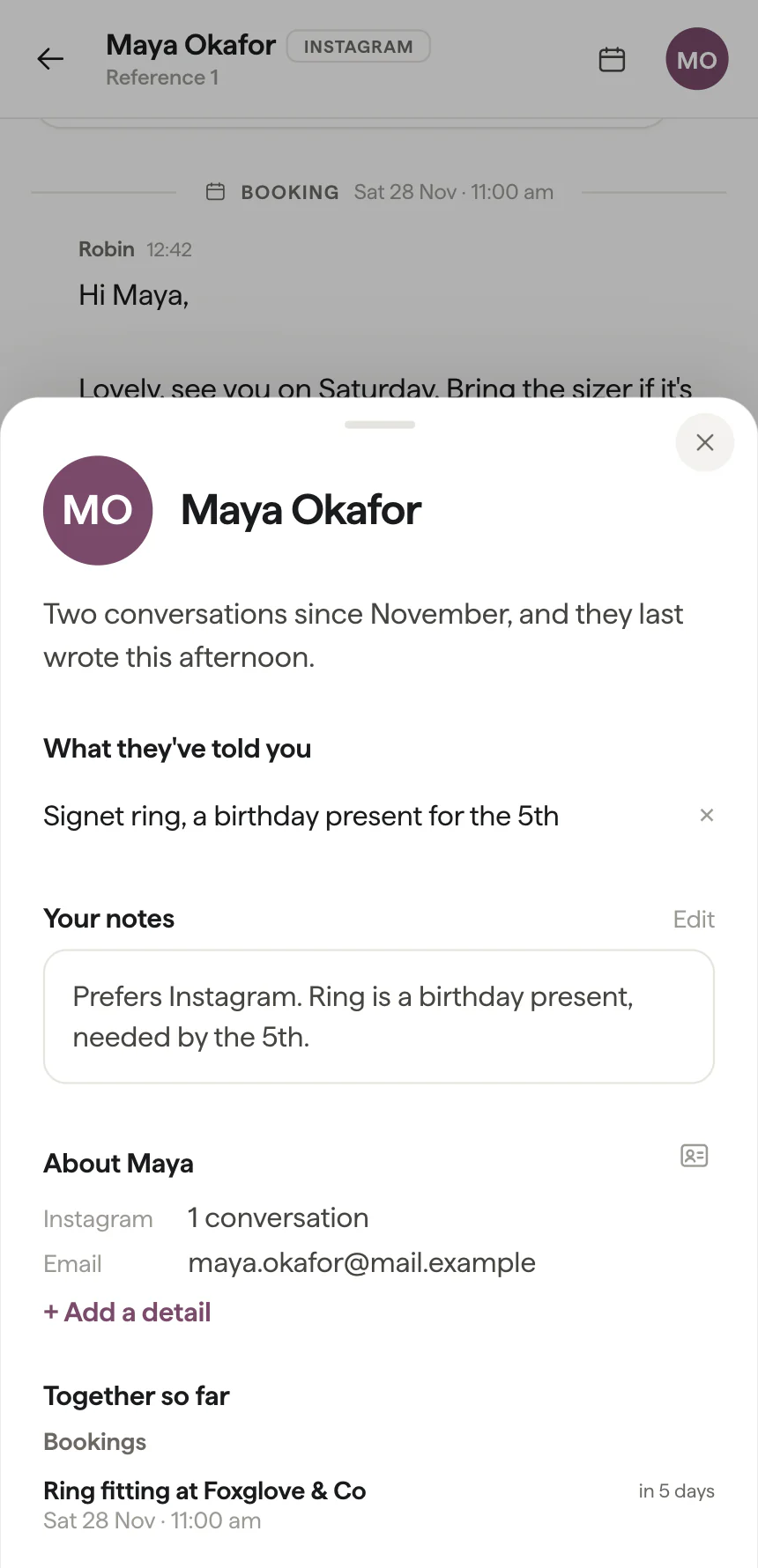
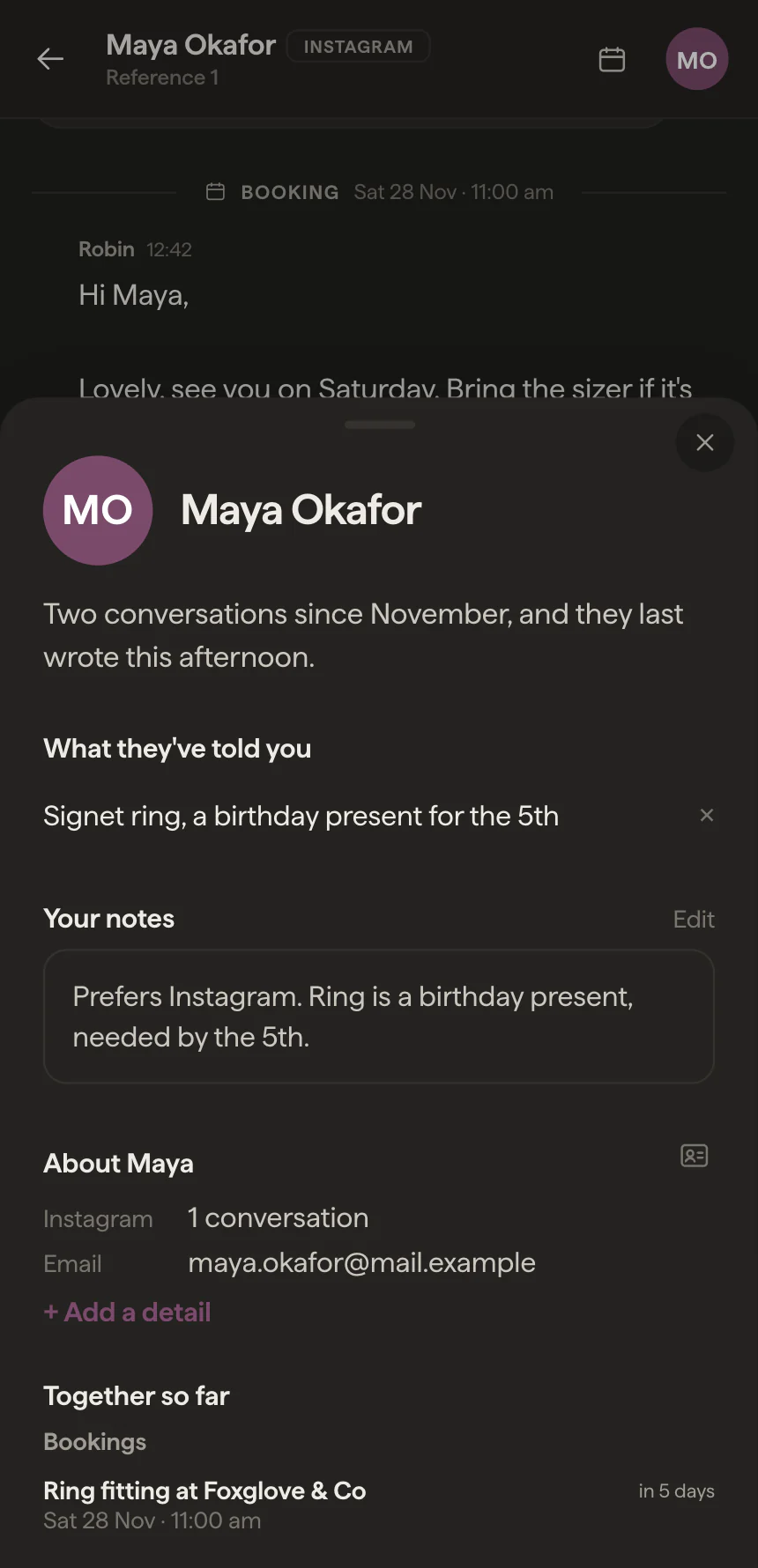
A booking in Inbox belongs to a conversation, and the conversation belongs to a customer. Open their profile and the booking sits under Together so far, next to what they’ve told you, your team’s notes and their other conversations, whichever channel those came in on. When they write again, whoever answers can see what was booked and why.
No second subscription
Bookings and the Calendar are part of Vidual Inbox, not an add-on. Inbox is £34.99 a month plus VAT, one flat price for the whole team and every feature, so there is no separate booking app to pay for and nothing to copy from one app into the other.