What actually arrives
A brand’s Instagram inbox holds several kinds of message under the same icon, and most of the work of managing Instagram messages for brands comes from treating them alike.
- DMs. The sizing question, the order chase, the “is this still in stock”. Each one arrives as a conversation the whole team can see, with an owner and a record.
- Story replies with words in them. The same thing through a different door, and handled the same way as a DM.
- Story reactions with no words. These go to a Reactions tab of their own, kept against the customer, so a popular Story can’t bury the questions. We explained the choice in why Story reactions get their own channel.
- Shared reels and posts. When a customer sends you a reel and asks “do you have this one?”, it shows in the conversation as a card with its picture and a link to open it on Instagram.
- Reactions on messages. A customer’s heart on your reply shows on that reply, and you can react back from Inbox.
Comments too
Since 6 November, comments under your posts come to Inbox as well. A comment arrives as a conversation with the post shown above it, and you answer publicly under the comment or privately as a DM. Anything with words in it reaches the inbox; a row of emoji stays on Instagram. How comments work in Inbox.
Who’s writing
An email tells you a name. An Instagram DM tells you much more, and Inbox puts it beside the conversation rather than in a separate panel. The customer’s handle, profile picture and follower count arrive with the message, along with whether they follow you. A line says whether this is their first message or whether they’re a regular. If your shop runs on Shopify or WooCommerce, their orders and spend sit in the customer sheet.
When someone who emailed last month now DMs, Inbox notices the likely match from what they’ve written, such as an email address or a phone number, and offers to join the two. One tap confirms it, and from then on what you know about them follows the person, whichever channel they use next. Insights also lists the people with a large following who have written to you, for the brands that want to know when someone with an audience is asking.
Keep answering in the Instagram app if you like
Plenty of people answer DMs on their phone in Instagram itself, and some will keep doing so. That doesn’t break anything. A reply typed in the Instagram app shows up in the Inbox conversation, marked “Sent from your Instagram app”, so the rest of the team sees it was answered and nobody answers twice.
Inbox also notices when a brand answers mostly from the app, and changes how it tells you about new messages. Instead of an email for each one, you get a short email twice a day listing who is still waiting for an answer, with their handle and whether they’re new or a regular. Start answering in Inbox and the alerts go back to one per conversation, on their own.
One owner, without sharing a login
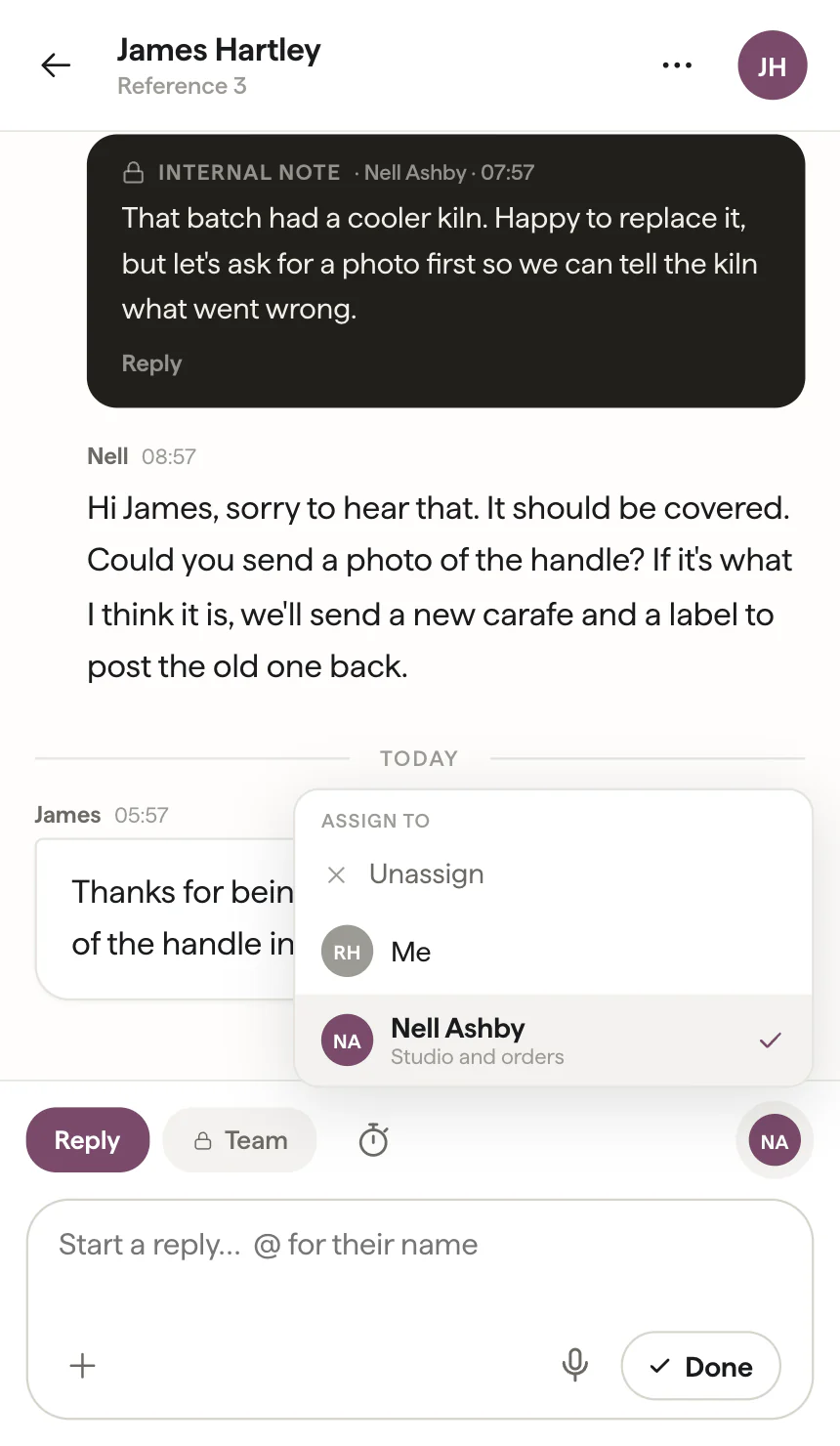
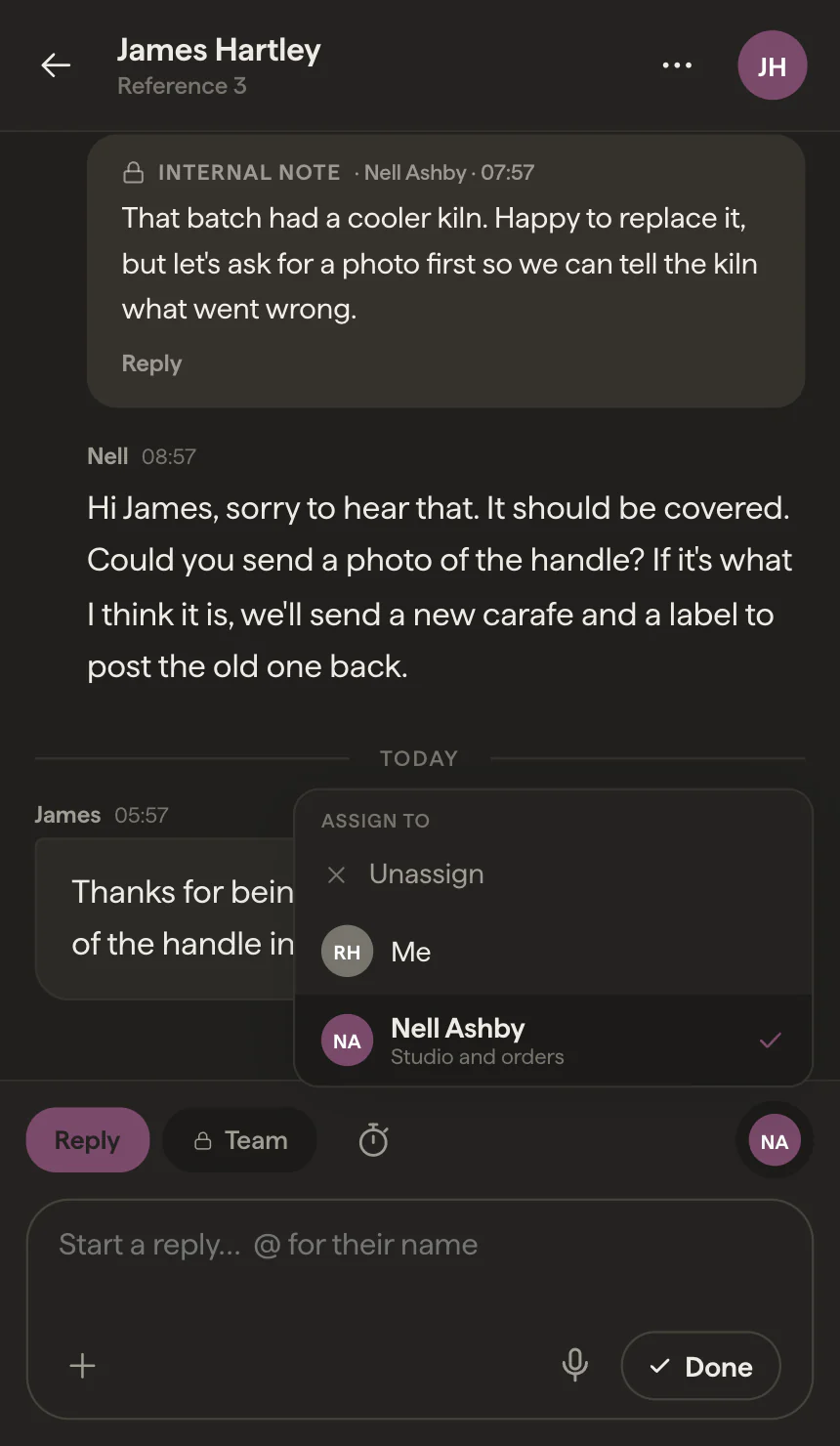
A shared Instagram login gives everyone the same inbox and no way of seeing each other in it. Inbox fixes that by giving each conversation an owner: whoever replies takes it, the name shows on the conversation, and handing it to a colleague is one tap. If a teammate has the same conversation open, you see “Rob is also here”, and “Rob is writing a reply” while they type. Anything the customer shouldn’t see goes in a team note, with an @mention to bring someone in. There’s more on this in stopping two people answering one DM.
The reply window, before it closes
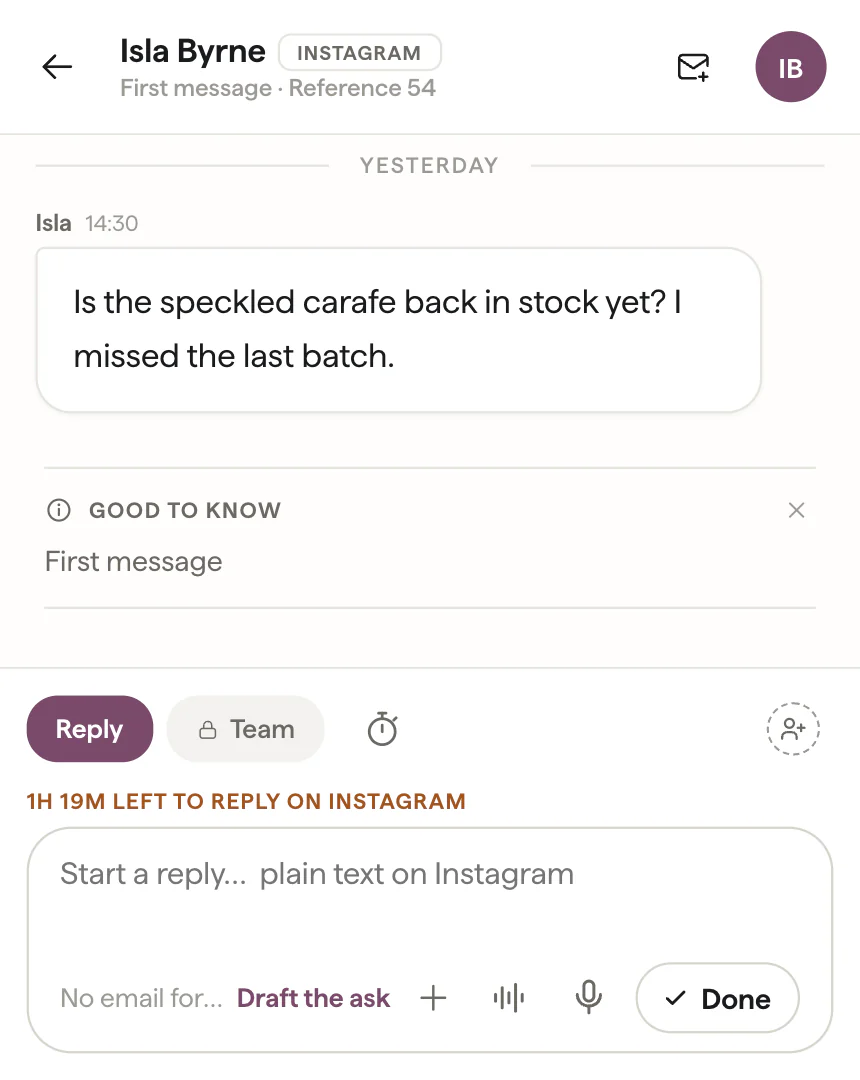
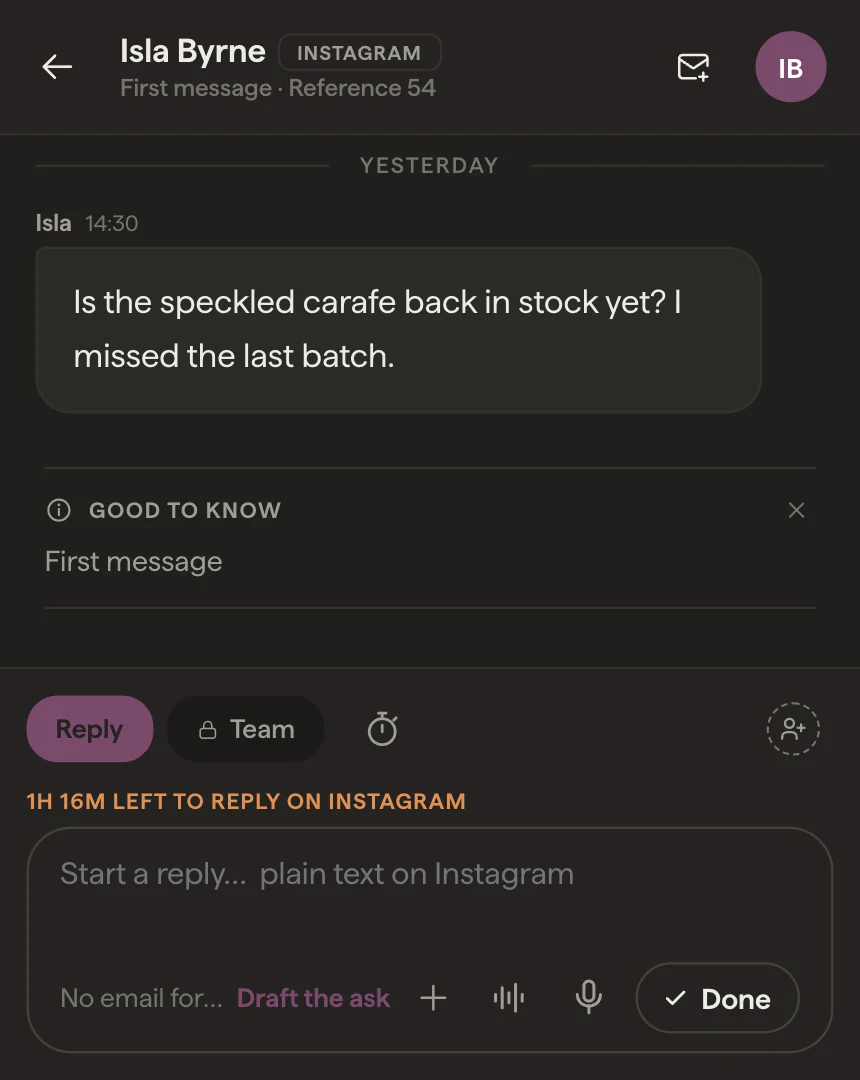
Instagram lets a business reply for 24 hours after the customer’s last message, and after that the send is refused. Inbox shows a countdown on the conversation in its last six hours, and if the customer is still waiting as it runs down, whoever needs to know is told while there’s still time to answer. Once the window has closed, the reply box says so before anyone starts typing. The mechanics are in our explainer on the 24-hour window.
Told where you are
New messages reach you through the Vidual Inbox iPhone app, on your Apple Watch if you wear one, or by email. While you’re in the middle of answering, the emails hold off, so a busy afternoon of DMs doesn’t turn into a busy afternoon of email about DMs.
What it won’t do
Inbox only ever writes inside conversations the customer started. It sends no bulk DMs and no messages to people who haven’t written to you, and no bot answers in your name. Everything runs through Meta’s official API, connected with Meta Business Login.
And it isn’t an Instagram CRM. That is usually sales software with Instagram at the front: a DM becomes a lead and moves through stages. Inbox is about the conversations themselves: who has each one, what has been said, and whether it still needs an answer.
It also isn’t an Instagram-only tool. The customers who DM you also email, find your WhatsApp number or use the chat on your product pages, and a tool that handles only the DMs moves the problem to the next channel. Instagram is one of the channels we’ve taken most care over, and it’s included in the one price with every other channel and every member of the team. For the wider comparison, including where an “Instagram CRM” fits, see Instagram CRM, or a shared inbox for Instagram DMs?
Try it on your own DMs
If your customers already message you on Instagram, start a 14-day trial with no card, connect your Instagram account, and watch your DMs arrive beside everything else. Or book a demo, and we’ll show you around.