Why Android
Across most of the world, the phone in a business owner’s pocket runs Android. In Africa it is the clear majority: on StatCounter’s figures for October 2026, 83% of mobile web traffic there came from Android phones. A shared inbox that only works properly on an iPhone or a laptop leaves those businesses out.
A business that does most of its work on WhatsApp and Instagram can now run it as a team from the phones they already have.
Everything, on the phone
It’s the same Vidual Inbox as on the web and the iPhone. Every channel is there: email from Gmail, Outlook or your own domain, the live chat on your website, Instagram messages and comments, WhatsApp, Facebook Messenger, Telegram and TikTok comments. Each conversation shows who has it and what has already been said, and your reply goes back the way the message came.
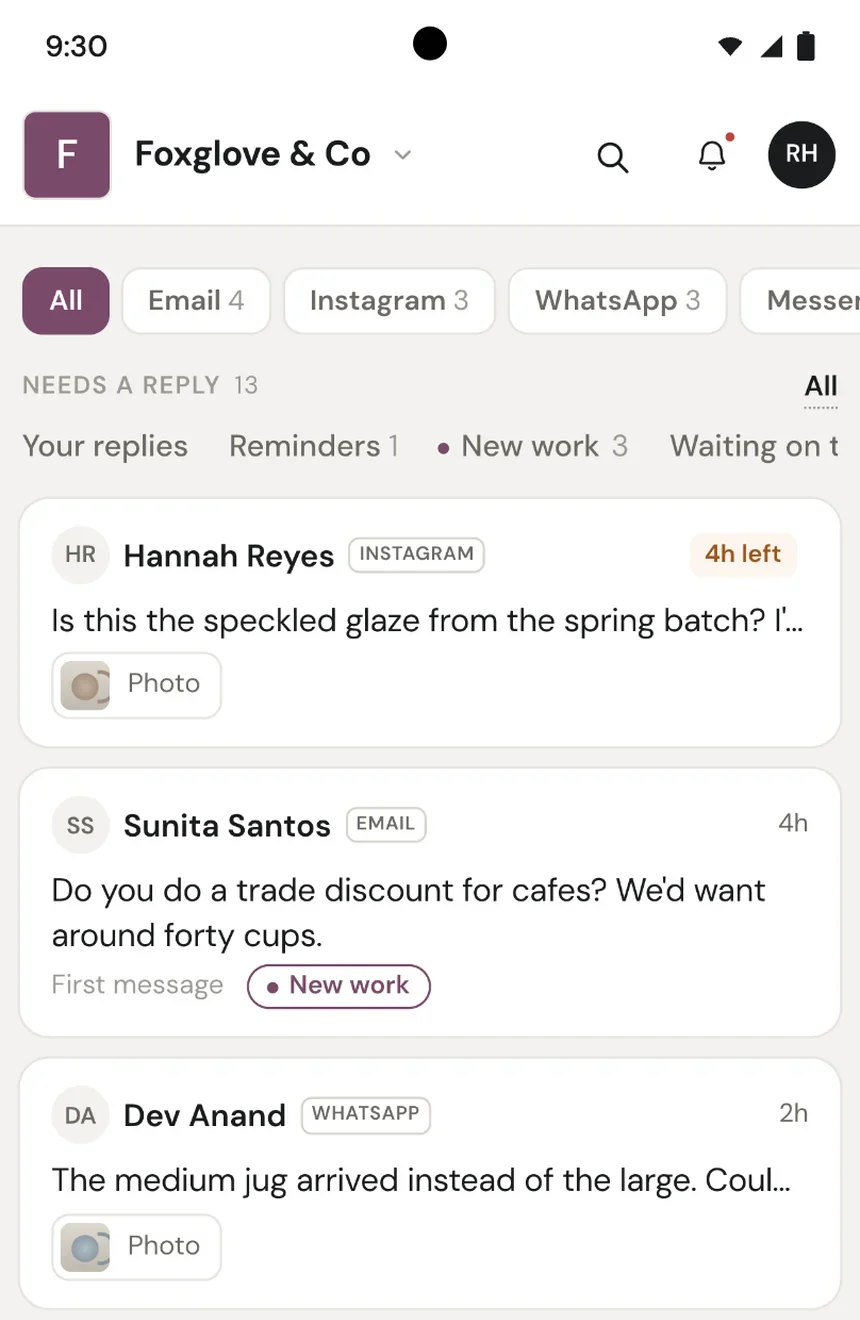
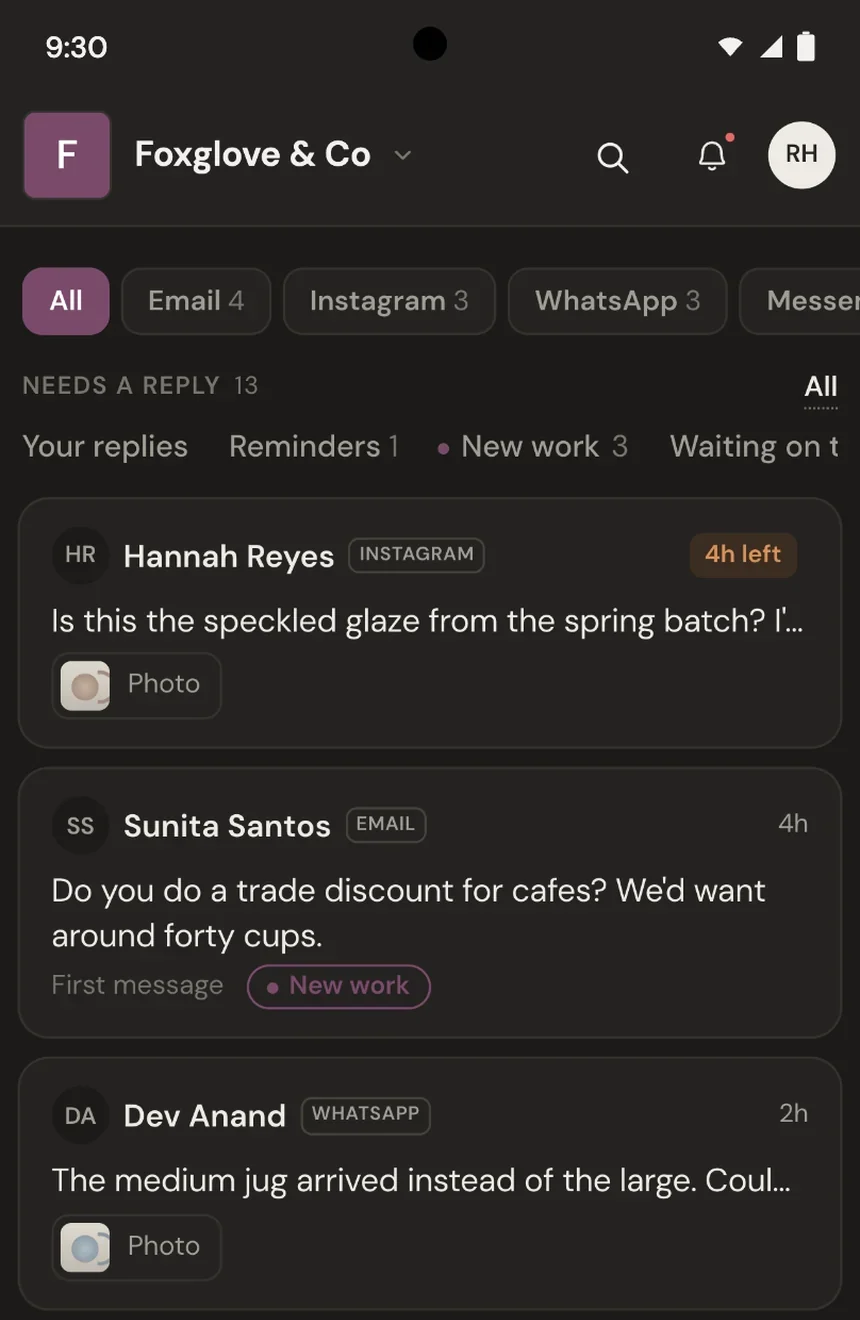
From the phone you can leave a note for a colleague beside the conversation, hand it to someone else, set a reminder, and send a photo or a saved reply. You can dictate a reply, or record a voice note on WhatsApp, Instagram, Messenger and Telegram. Voice notes from customers are written out, so you can read them when you can’t listen.
Notifications
New messages reach your phone as they arrive. Tap the notification and the conversation opens, ready for a reply.
One account, every device
Sign in with the Vidual Inbox account you already use. Your conversations, notes and settings are the same on Android, on the iPhone and on the web, so one person can answer from an Android phone while a colleague answers from a laptop, and both see the same thing. The app speaks the same eleven languages as the web app, and dark mode follows your phone.
Getting it
Search for Vidual Inbox on Google Play, or use the link below, then sign in with your Vidual Inbox account.