First, full disclosure: we’re one of those players, Vidual Inbox. We make a nice, tidy piece of help desk software that prizes simplicity and great design above octopus-like features. But what if you need those features? Let’s start our search by seeing what your business is, and whether you need something agile or the enterprise-grade bells and whistles.
Start with what you are
Five questions. The finder sorts you into one of the two kinds of product every “top 10” list mixes together, and says why.
- What are you?
- Who answers your customers?
- Where do customers get in touch: email only, or Instagram, WhatsApp and your website’s chat as well?
- Do your customers expect a ticket number they can quote back to you?
- Is anyone holding you to response or resolution times?
Answer all five and the finder will say which kind of help desk software you’re shopping for.
What the top 10 help desk software lists are measuring
Type “best help desk software” into a search box and the same ten names come back in roughly the same order, whoever did the ranking: Zendesk, Freshdesk, Intercom, Help Scout, Gorgias, Front, Hiver, Gmelius, Missive, Helpwise. Most of those lists are built from two numbers: how many reviews a product has on sites like G2, and how long its feature sheet runs. Both are easy to count and both stand in for something else. Review volume grows with customer count, and customer count in this market grows fastest among companies with a support department, so the products that bill a department well sit at the top. Feature count rewards the longest list, which is always the help desk’s, since routing, service timers, escalation paths and resolution dashboards are features, and a short loop of assign, note and reply is not.
Neither number says anything about what your business is, or what you need from the software. A brand answering a few dozen messages a day between other work reads the same list as a large support operation, gets the same ten names, and has to work out by itself which of them it was ever meant to buy.
Two kinds of product under one name
“Help desk software” covers two different things. A help desk, in the narrow sense, turns each incoming message into a ticket: a reference number, a timer running against a service target, rules that route it by priority or customer tier, and a report at the end saying how long it took to resolve. A shared inbox starts from the coordinating. The whole team answers from one place, every conversation visibly belongs to someone, notes stay out of the customer’s sight, and the earlier exchanges stay with the person, so whoever picks the thread up next knows where it got to.
We’ve written the longer version twice: the questions that decide it are in our shared inbox or help desk decision tree, and what team email software does that a help desk doesn’t is in the guide to team email management software. The short version is that the line is drawn by need, not by headcount. Ticket numbers and service timers earn their keep when customers expect a reference and someone measures you on the clock. Without either, they are setup and subscription you never get back.
The usual ten, sorted
The camp a product belongs to isn’t always the one its marketing claims. Several shared inboxes describe themselves as help desk software because that is the phrase people search for, and one product changes camp as you climb its pricing tiers. Sorted by what each one is built around:
| Built around | Names on the usual list |
|---|---|
| The ticket | Zendesk, Freshdesk, Intercom (the company now calls itself Fin), Gorgias |
| The shared inbox, with tickets or SLA timers added | Front, Hiver, Help Scout, Gmelius, Helpwise |
| The shared inbox, kept simple | Missive, Vidual Inbox |
Ten competing products turn out to be two kinds, with a growing group in the middle: shared inboxes that have taken on ticket forms, SLA rules and customer portals as they’ve grown. Comparing Zendesk with Missive is comparing a ticketing system with a shared address, and the feature count will favour Zendesk every time without saying anything about which one you need. As vendors’ own pages showed them on 27 October 2026; check them there before you commit.
What the money looks like
Almost everything on the list is billed per person. Here is the monthly bill for a team of five, on each product’s entry plan with messaging, billed yearly and before VAT:
| Product and plan | How it’s priced | Five people |
|---|---|---|
| Zendesk Suite Team | £45 per agent | £225 a month |
| Help Scout Standard | $25 per user | $125, about £94 a month |
| Vidual Inbox | Flat, everyone included | £34.99 a month |
Add a sixth person and the first two bills go up; ours doesn’t. The few not billed per person are billed per ticket instead: Gorgias starts at 50 tickets a month on one platform. Vidual Inbox has no cap on conversations, and every channel is on the one plan. Prices from each vendor’s pricing page on 27 October 2026, Help Scout converted at $1.33 to the pound.
Where Vidual Inbox sits
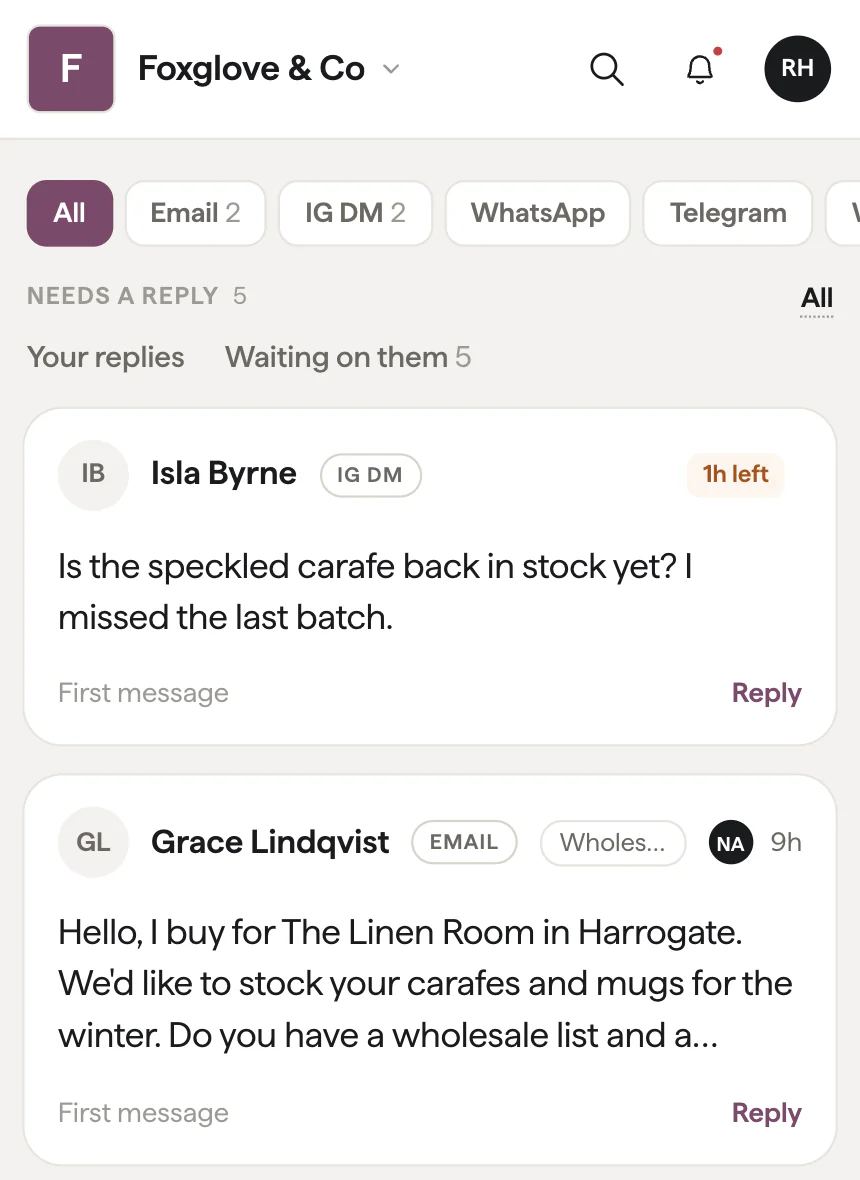
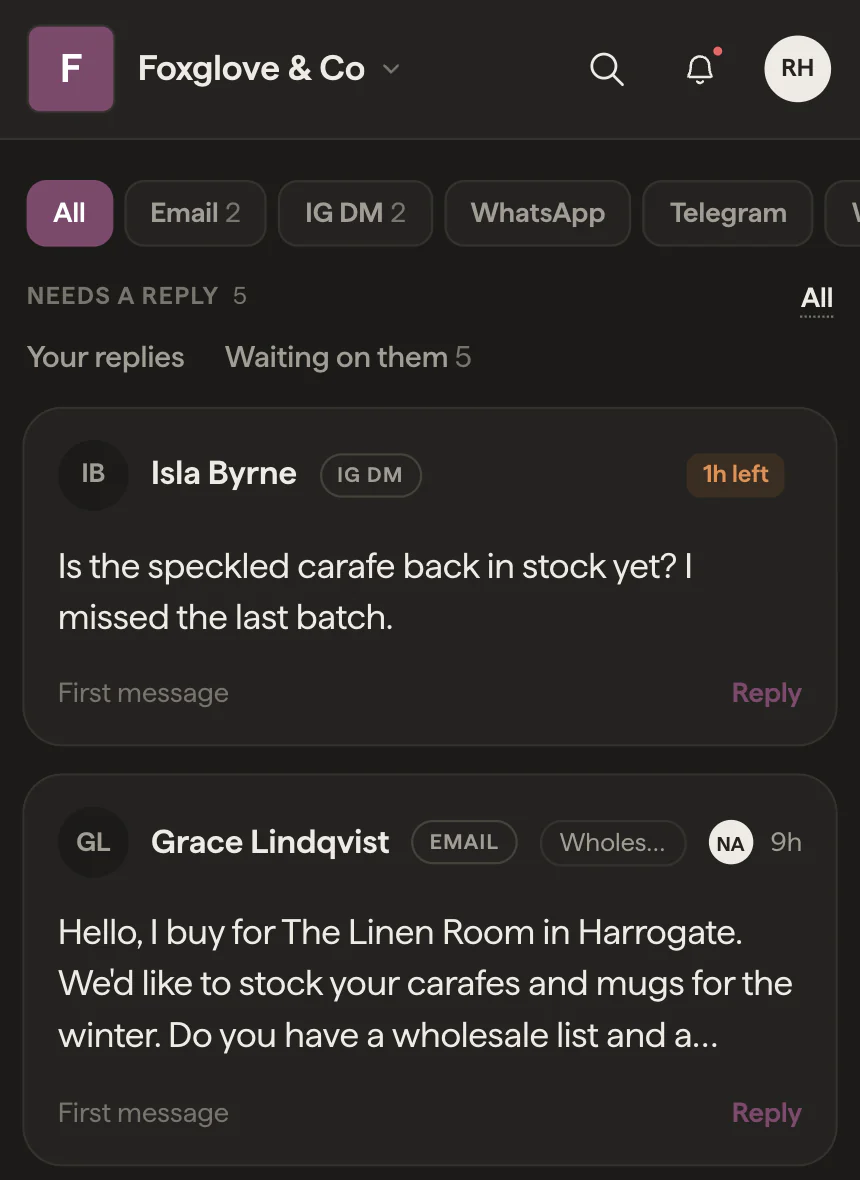
In the shared inbox camp, deliberately. By the oldest meaning of help desk, a desk you help customers from, that is the whole job; what we leave out is the ticket machinery. What we built instead is the loop a small business runs every day. Whoever replies owns the conversation, and a tap hands it to a colleague. An internal note with an @mention asks a question without the customer seeing it, and views for mine, unassigned, waiting and closed show the current state in one filter. Up Ahead lists the replies still owed and the dates customers mentioned in passing. Any conversation can carry a Remind me for the thing you promised, and saved replies mean nobody types the same answer twice.
Then there is the part a support desk isn’t built for, because a small business does more with a customer than close their ticket:
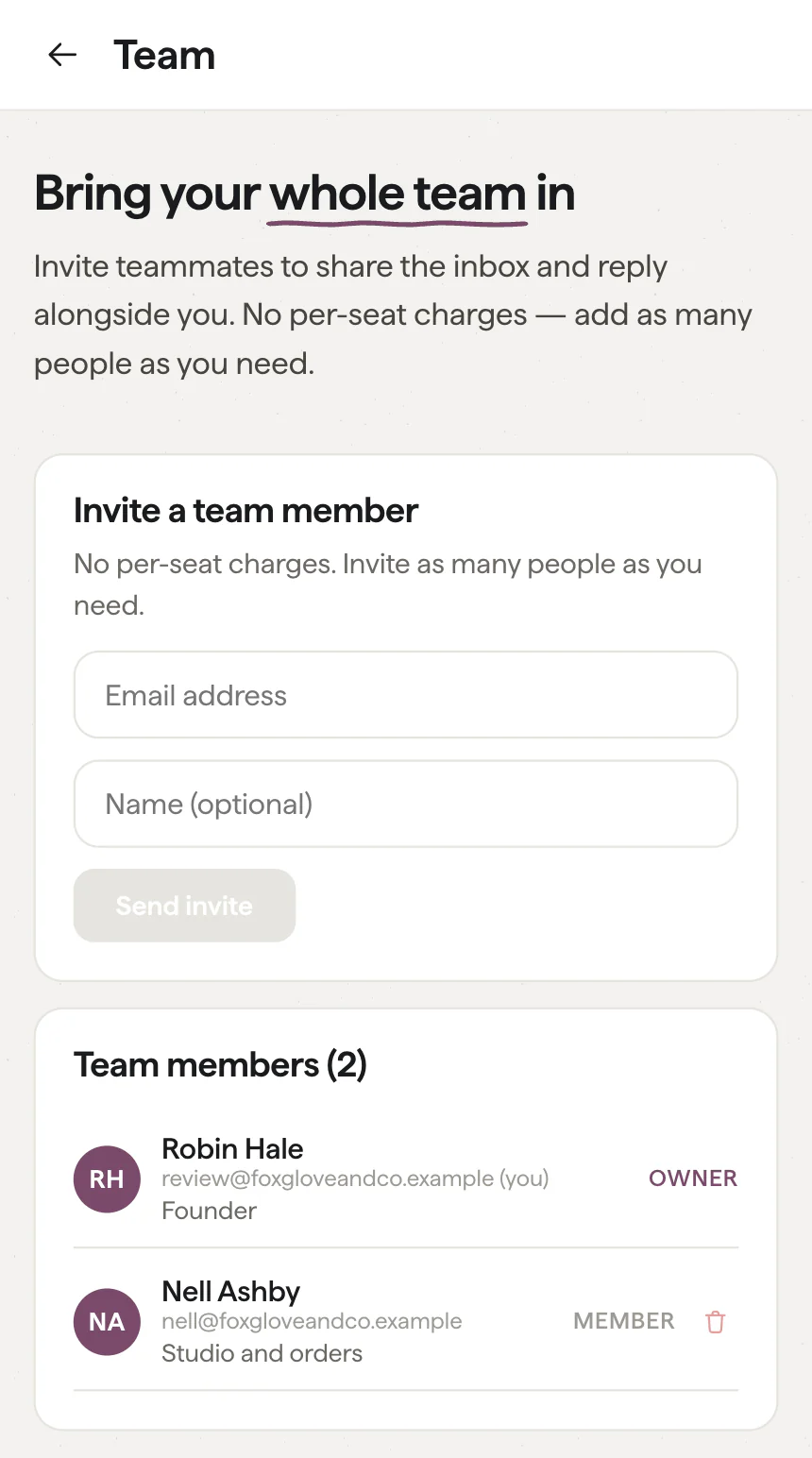
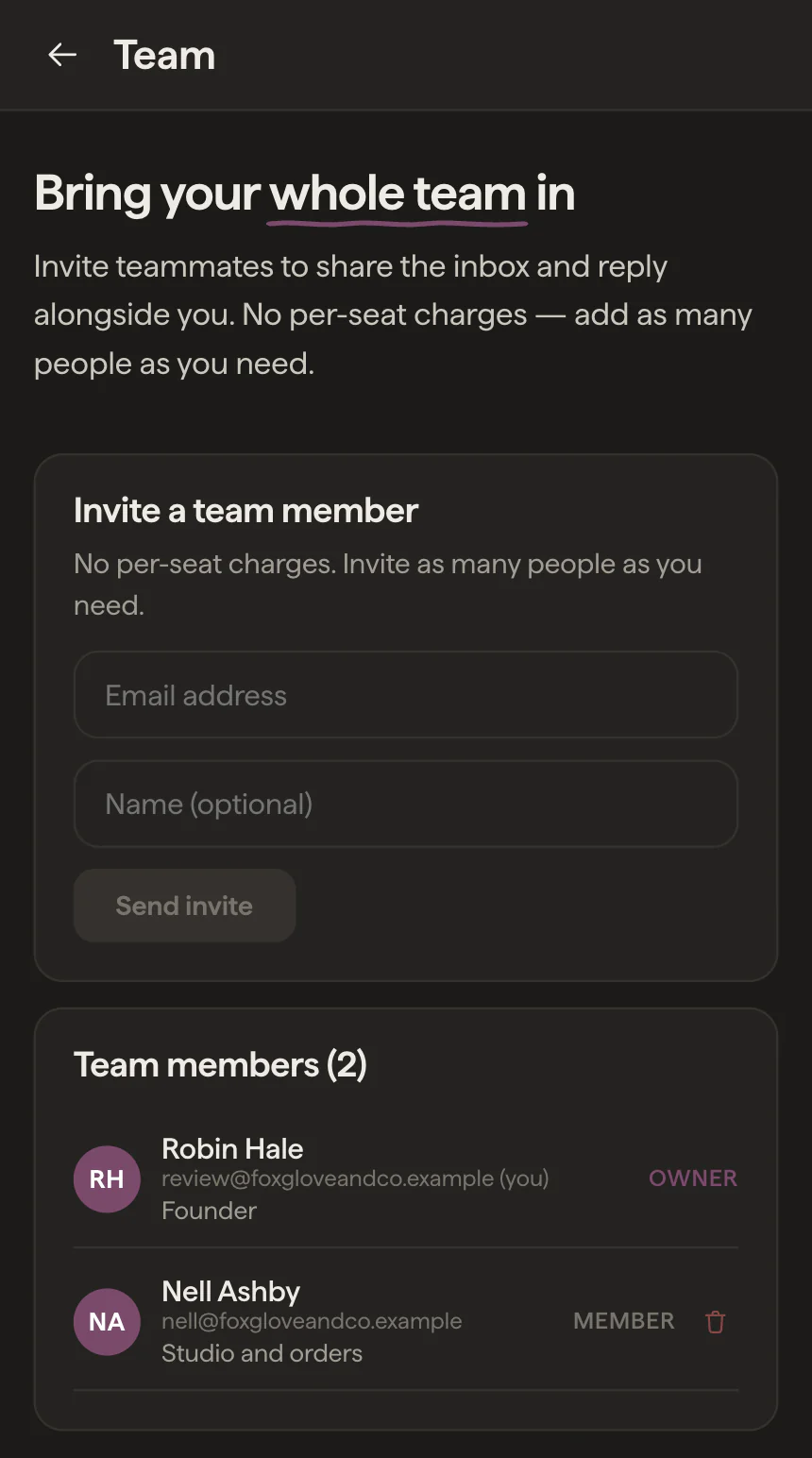
- Know who you’re talking to. A thread opens knowing the person: “Regular · 6 conversations since May”, an open quote, a note a teammate left. Contact details fill themselves in as customers mention them, and the same person on email and Instagram becomes one record.
- Quote and get paid in the thread. Send a price and Inbox offers to mark it as a quote. Take the full amount or a deposit through your own Stripe account, and the quote marks itself paid.
- Book from the conversation. Connect Google Calendar and a consultation, fitting or call goes straight onto it, with the invite sent to the customer.
- Order history beside the reply. Shopify, WooCommerce, Klaviyo and Mailchimp show what someone has bought and spent before you answer.
- Otto, our little helper. It catches you up on a long thread and drafts a reply when it has something useful to add. A person always sends.
The channels are where shared inboxes differ most, and on some they wait on a higher plan or an add-on. Email, Instagram DMs, WhatsApp, Messenger, Telegram and the chat on your website are all in from the start, on the only plan we sell, and your answer goes back out on whichever channel the customer used. It costs £34.99 a month plus VAT whether there are two of you or twenty, so nobody gets left off because of what their seat would cost. From a team of five to a growing group of fifty, Inbox leads with a small-business mindset that fuels everything: our ideas, our agility, and an overriding sense of simplicity, no matter how advanced the tech in the background. If the chat on your website is the piece you came for, live chat for businesses, without the help desk covers it on its own.
What the help desks have that we leave out
Ticket numbers, SLA timers, routing rules by priority or tier, escalation paths and resolution reports. If your customers expect a reference to quote back, or a contract measures you on resolution time, those are the features you’re paying for, and Vidual Inbox doesn’t have them. We’d rather you knew that from this page than found it out in week two. For what each piece of a help desk becomes without the apparatus, our piece on Zendesk alternatives goes through it row by row.
See it on your own messages
The quickest way to settle it is to connect your address and your Instagram and watch a week of real messages land in one place. Start a 14-day trial — we don’t ask for a card — or book a demo with Pete, who will show you around with your own setup in mind.