Vidual Inbox, the shared inbox we make in the place of the many spires — Oxford in the UK — carries live chat as a well-thought out, natural extension of our app. Compared to the stolid live chat widgets and tools of old, ours routes the conversation beside your email, Instagram DMs, WhatsApp, Messenger and Telegram in one happy place, where everyone on the team can see it. And it does so with more than a little joy. Dare we say, even panache.
If you’re still with us, this page is about that latter, better version of chat: what it does, what happens during your hours and outside them, why a chat box with nothing behind it tends to wear a small team down, and how it compares with the chat inside Zendesk or Intercom.
What live chat software for a business does, in plain terms
A small window sits in the corner of your website. A visitor opens it, types a question, and someone from your team types back while they are still on the page. That is the whole job. The timing is what makes it worth having: the question arrives while the person is deciding, with a basket half full or a quote open in another tab, and an answer then does more than the same answer by email tomorrow.
Do you need a help desk to run it, or can you just add a widget?
Chat software for business comes in three shapes. The first is a chat tab inside a help desk, paid for per seat, with ticket numbers, routing rules and timers around it. The second is a chat-only widget, which is quick to install and then becomes one more place to look, with its own login and no idea that the person asking about returns emailed you last week. We’ve set out how that wears on a team of two or three in our note on chat widgets for websites.
The third shape is the one Inbox takes. The chat is a channel, the same as Instagram or WhatsApp, installed with one script tag and answered from the inbox you already open every morning. There is no help desk to buy and no second app to keep an eye on.
During your hours
You set your hours once in Inbox. Inside them, the widget greets a visitor with “We usually reply in a few minutes”, and when they type, the message arrives in Inbox as a conversation, with a notification on your laptop and the iPhone app. The pages they looked at on your site before asking are shown beside it, so you can see what prompted the question. You reply from Inbox, the visitor sees your name and that you’re typing, and then the reply.
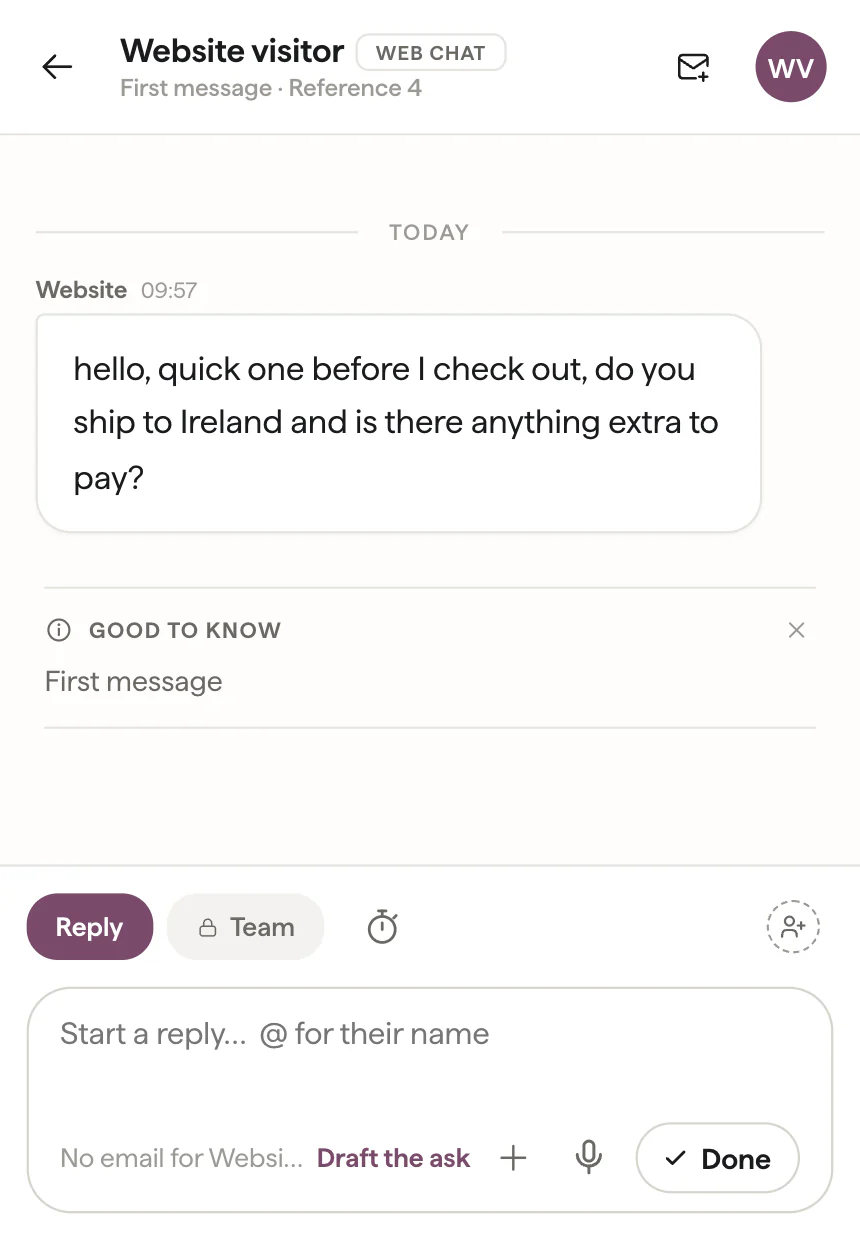
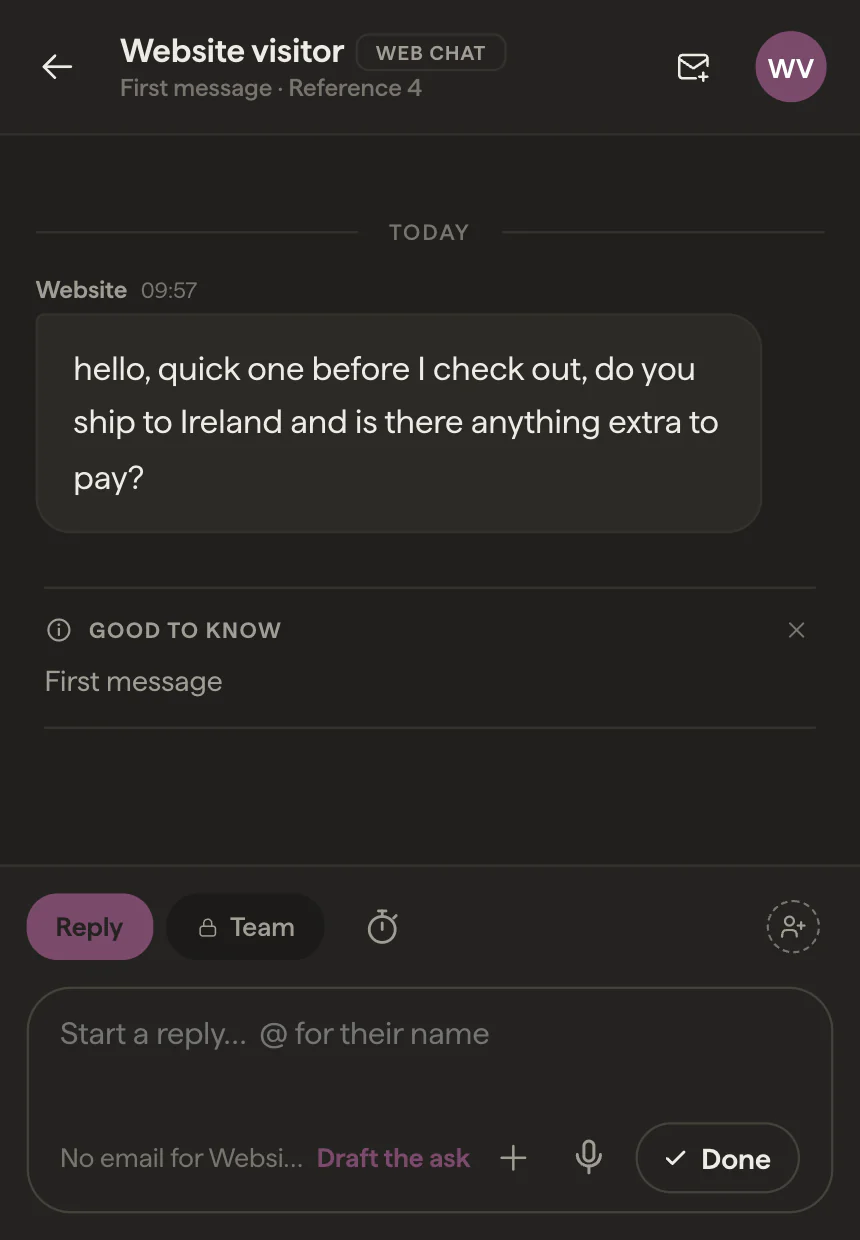
Nothing has to be assigned for a chat to get answered. Whoever replies has it, everyone else can see it’s handled, and if it belongs with a colleague you assign it to them with a note.
Outside them, and once the visitor has gone
When you’re closed, the chat says so, with the time you’re back, and asks for an email address along with the message. It waits in Inbox like any other conversation, and your reply goes to them by email.
The case most web chat for business gets wrong is the visitor who asks inside your hours and leaves before you answer. With most widgets, closing the tab ends the conversation. In Inbox, a reply the visitor hasn’t seen on screen goes to them by email a few minutes later, from your own address, and if they answer that email it lands back in the same chat conversation. One thread, whichever way they come back to you.
If you run the business on your own, time blocked out on the Inbox calendar counts as closed as well, so the chat never promises a reply in a few minutes while you’re at the dentist. Alongside Chat sits Ask, which answers from your site’s own pages at any hour and is shown as exactly that, never as a person typing. The full account of both is in A simple live chat takes a lot of work.
| The moment | What the visitor sees | What lands in Inbox |
|---|---|---|
| A question in your hours | “We usually reply in a few minutes”, your name typing, your reply | A conversation with a notification, and the pages they browsed beside it |
| They leave the page before you reply | Your reply in their email, from your address | Their emailed answer, back in the same chat conversation |
| A question outside your hours | When you’re back, and a place to leave a message with their email | The message, waiting until someone is in |
| You’re on your own and have blocked out the afternoon | That you’re away until the block ends | The same waiting conversation when you return |
| A question your site already answers | A short answer from Ask, with a link to the page it came from | Nothing to do; the site answered |
| The same person emails or DMs you later | Nothing different on their side | One customer, with the chat and the email together |
One person, whichever way they reach you
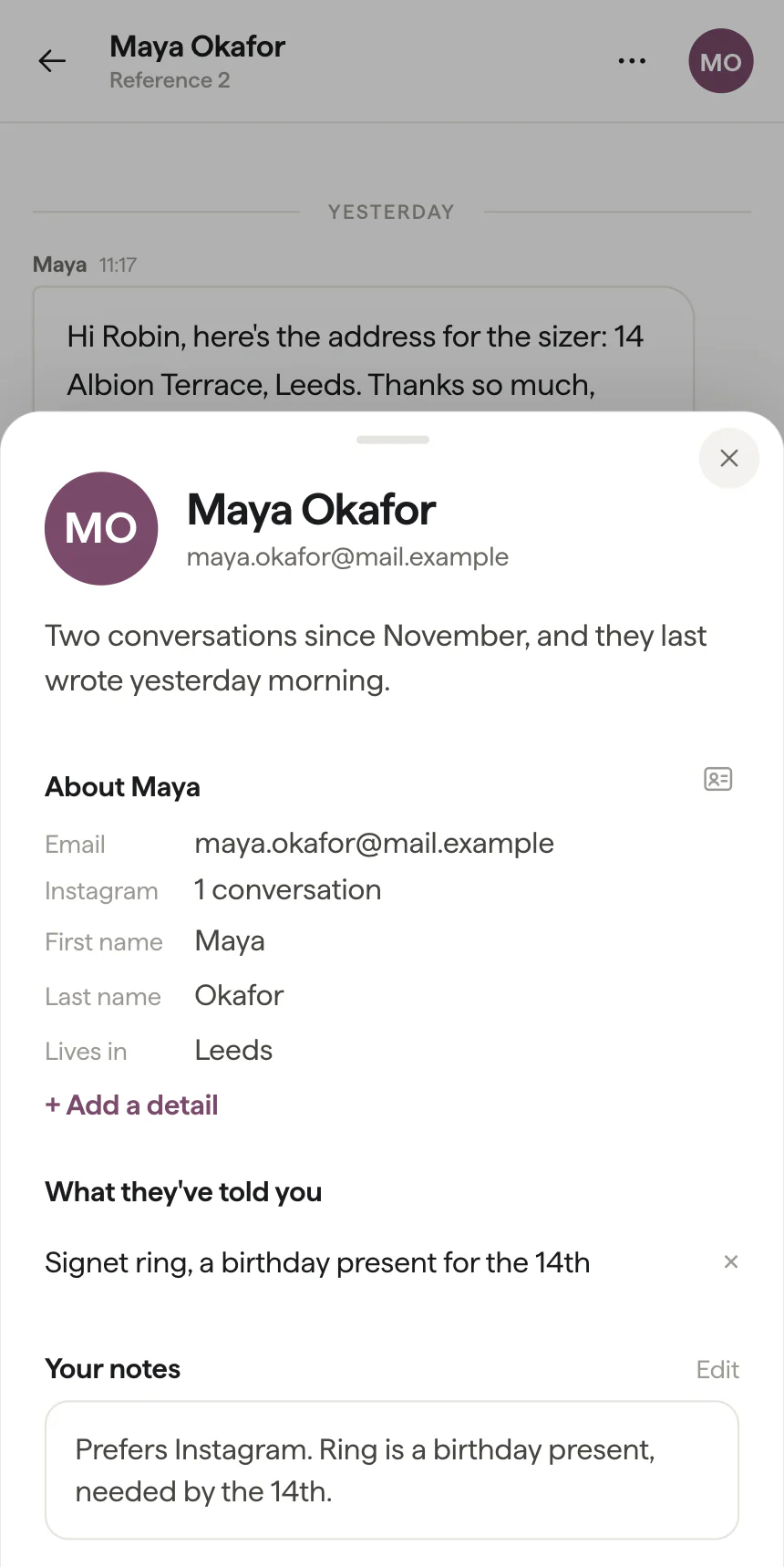
Your website is one of six channels in Inbox, beside email, Instagram DMs, WhatsApp, Messenger and Telegram. Someone who chats today and emails next week is one customer, with both conversations in their record rather than a stranger on each channel. Book them an appointment from the conversation and the confirmation reaches them in the chat, and by email once you have their address. A visitor whose browser is in German, French, Spanish or Italian sees the widget in that language; your replies stay your own words.
Against the chat inside Zendesk or Intercom
In a help desk the chat is sold as part of the help desk and billed the same way, per seat. Zendesk’s live chat arrives with its Suite plans, from £45 an agent a month billed yearly, and Intercom charges $19 a seat for the help desk with its Fin agent on top at $0.99 for each question it resolves (both from their pricing pages, 27 October 2026). For a support department routing hundreds of chats a day between tiers, the rules engines in both do real work, and that is a fair thing to pay for. We’ve worked through the sums for a team of five on our Intercom alternatives page and in the best help desk software, once you split the list in two.
Vidual Inbox is £34.99 a month plus VAT, flat, with live chat included and everyone on the team included. It leaves out customer ticket numbers, SLA timers and automation rules by design and keeps what a small team uses: assigning a conversation, a note for a colleague, and a status you can read at a glance.
Setting it up
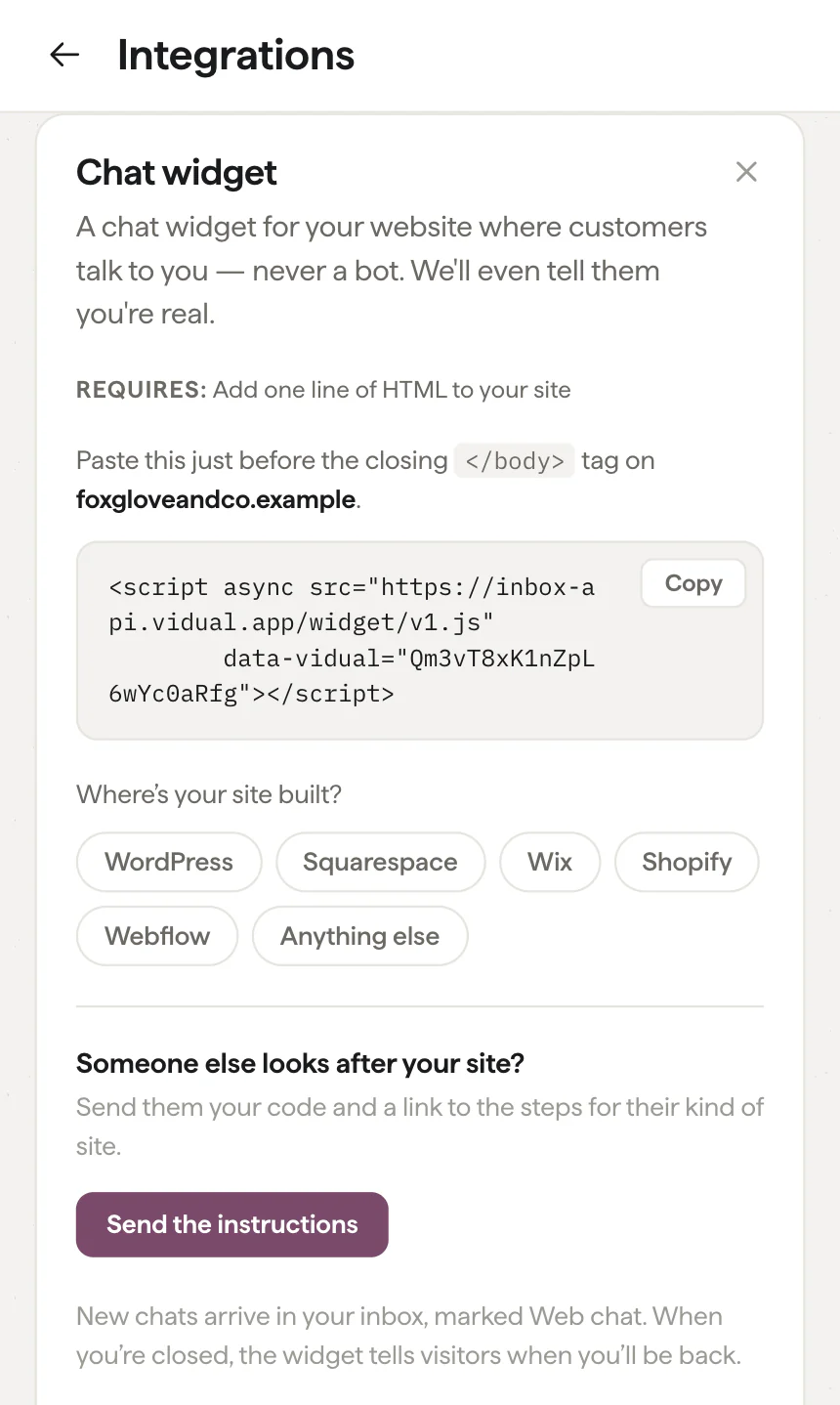
Live chat lives under Integrations in Inbox. Installing it means pasting one script tag into your site, much as you’d add an analytics snippet, and the script loads asynchronously so it never holds up your pages. The widget takes the accent colour you chose in Inbox and flips its text between white and dark by itself. Where the tag goes on WordPress, Squarespace, Wix, Shopify, Webflow and Google Tag Manager is in our guide to adding live chat to your website, and if someone else looks after your site, Send the instructions emails them that guide from Inbox.
Try it on your own site
Put the box in the corner, set your hours, and watch the first chat arrive beside your email. Start a 14-day trial with no card needed, or book a demo and we’ll set the chat up with you.