Two ways a business uses WhatsApp
The first is the WhatsApp Business app, the free one on a phone. It has a business profile, quick replies, greeting and away messages, and you can link a few more devices to it. Every conversation sits on the one account, with no way of saying who in the team has which.
The second is the WhatsApp Business Platform, which most people call the API: the number connected to software instead of a phone. Messages can then be answered from a shared system, kept against a customer’s record, or sent out in bulk from templates Meta has approved. Meta hosts the platform, and businesses reach it through software built on it.
What a BSP is
A Business Solution Provider is a company Meta has approved to connect businesses to that platform. It registers the number, takes the business through Meta’s checks, gets message templates approved and often handles the bill for Meta’s charges. Alongside that it sells its own software: a team inbox, a campaign tool, a chatbot builder, a developer API, or a mix. The “best WhatsApp BSP” lists rank that bundle on what a marketing or engineering team weighs: how fast a number is approved, how Meta’s charges are passed on, how many messages a plan includes, and how much can be automated.
Those lists are written for a business that wants to send on WhatsApp as much as receive on it: order updates and promotions to thousands of opted-in contacts, a chatbot qualifying leads, or a developer building something of their own. For that business the choice matters and the lists’ criteria are the right ones. We built for the other half, the conversations customers start, and wrote about why in a shared inbox for WhatsApp Business.
Three ways to run it
| What you want from WhatsApp | The WhatsApp Business app | A BSP | Vidual Inbox |
|---|---|---|---|
| Answering customers who message you | Yes, from the phone and its linked devices | Yes, in the provider’s software | Yes. Each message arrives as a conversation the whole team can see, and replies go back on WhatsApp |
| The team sharing one number | Shared across linked devices, with no way to say who has which conversation | Depends on the provider’s software | Every conversation has an owner, private notes and the customer’s record, at one price however many of you |
| Campaigns and broadcasts | Broadcast lists, to contacts who have saved your number | Yes, usually the centre of the product | No, by design. Inbox replies to people who messaged you first |
| A bot answering for you | Greeting and away messages | Often, through a chatbot builder | No. Otto drafts after a Catch Up, and a person sends |
| Building your own integration | No | Yes, with developer access | No, Inbox isn’t a developer platform |
| The same customer’s emails and Instagram messages alongside | No | Depends on the provider | Yes, one record per customer across every channel |
| What it costs | Free | The provider’s subscription plus Meta’s charges | £34.99 a month plus VAT for the whole team, plus Meta’s charges past 1,000 free replies a month, billed by Meta |
You don’t have to choose between the first and the last. A number on the WhatsApp Business app can connect to Inbox and keep working in the app, so whoever prefers the phone can carry on.
How the money works
A BSP bill usually has two parts: the provider’s own subscription, often priced per seat or by message volume, and Meta’s charges, which the provider passes on at cost or with a margin of its own.
Meta charges per message. Messages a business starts from a template, such as promotions, order updates and login codes, are charged at rates that vary by country and kind of message. Replies to a customer who wrote first had been free since November 2024; since 1 October 2026 each number gets 1,000 free replies a month, and Meta charges for each reply after that, about 1.6p to a UK number. Messages customers send you cost nothing, and neither do replies sent from the WhatsApp Business app. The rates are on Meta’s pricing page.
Our side is one plan: £34.99 a month plus VAT, every channel included, the same for two people or twenty. We don’t add anything to Meta’s charges or cap how many replies you send. Past Meta’s 1,000 free replies, Meta bills you directly, and the WhatsApp card in Inbox shows how many you’ve used this month. For scale, 1,000 replies is about 33 a day, every day of the month.
How our WhatsApp connection works
There’s no BSP to choose and no developer console. On Inbox’s Integrations page you press Connect WhatsApp, sign in with Facebook and type your business number into Meta’s own window. Inbox connects the number to Meta’s platform directly, with no provider in between.
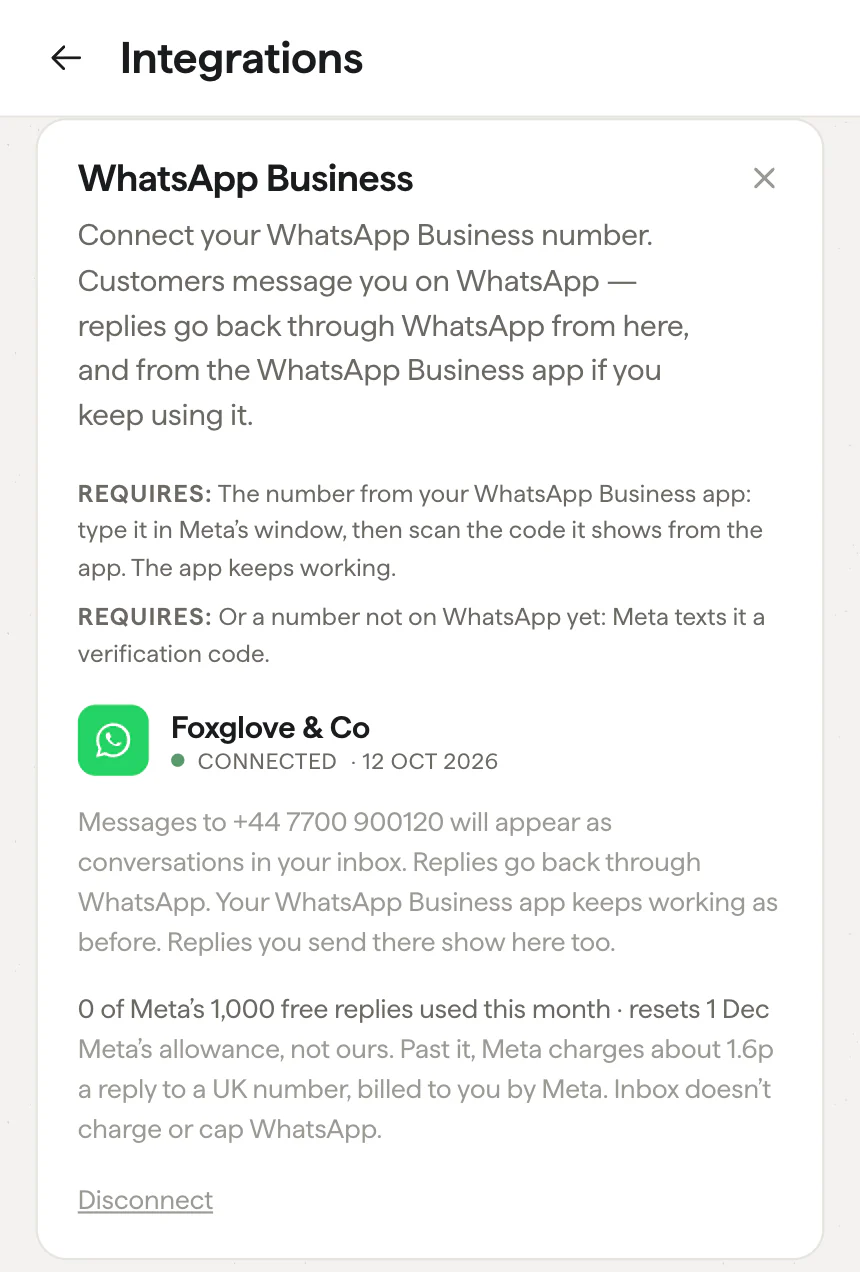
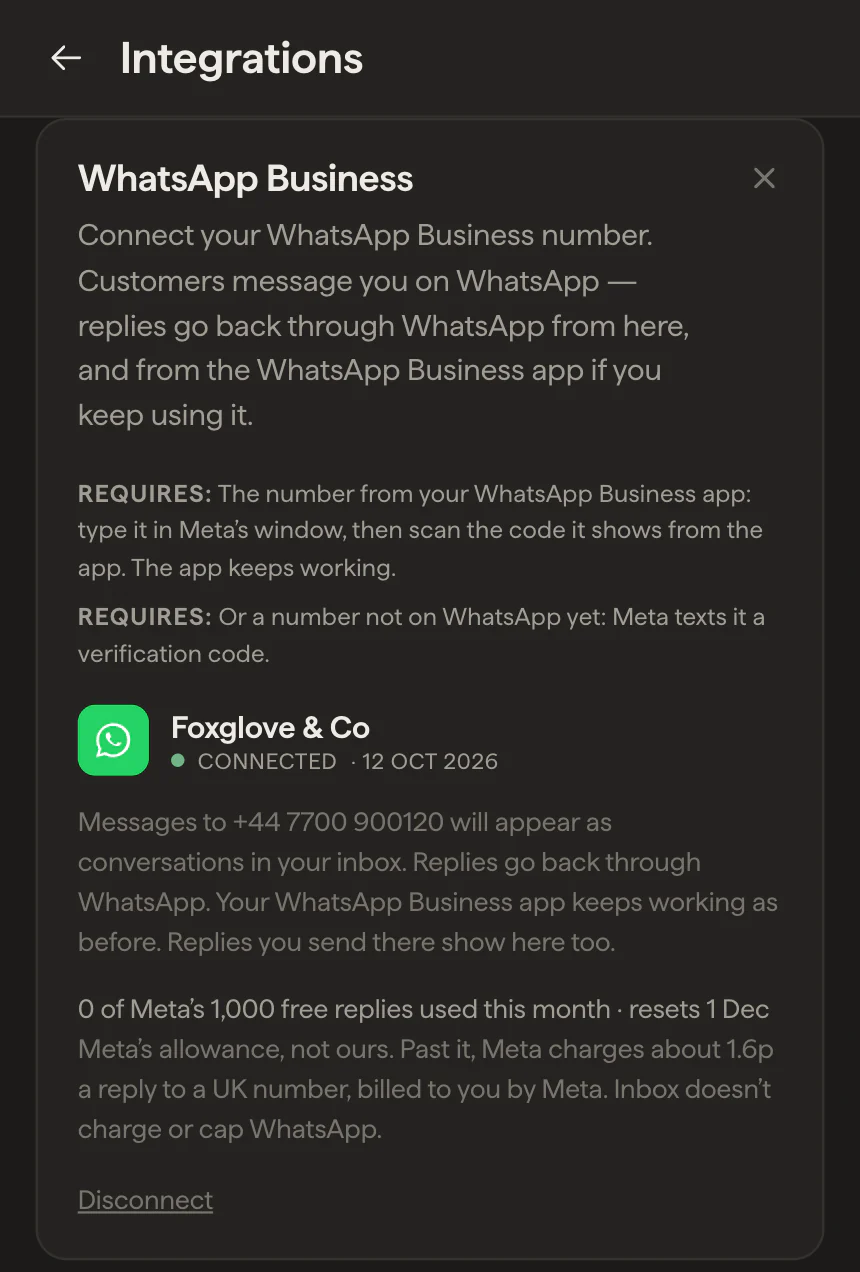
- The number on your WhatsApp Business app. Meta shows a code to scan from the app. The app keeps working, and replies sent from the phone appear in the inbox too, so everyone sees the whole conversation.
- A number not on WhatsApp yet. Meta texts it a code. A landline works, so does a second SIM.
- A number on ordinary WhatsApp can’t connect; that’s Meta’s rule. WhatsApp offers to move it to the free Business app with its chats, and from there it connects as above.
The Facebook sign-in is Meta’s, and it surprises businesses that have used the WhatsApp Business app for years without Facebook. The app on a phone needs only a phone number. The platform keeps each number inside a Meta business account with a named person in charge, and Meta knows people by their Facebook login. Why Meta asks for a Facebook login covers who should sign in, and what happens if nobody in the business has one.
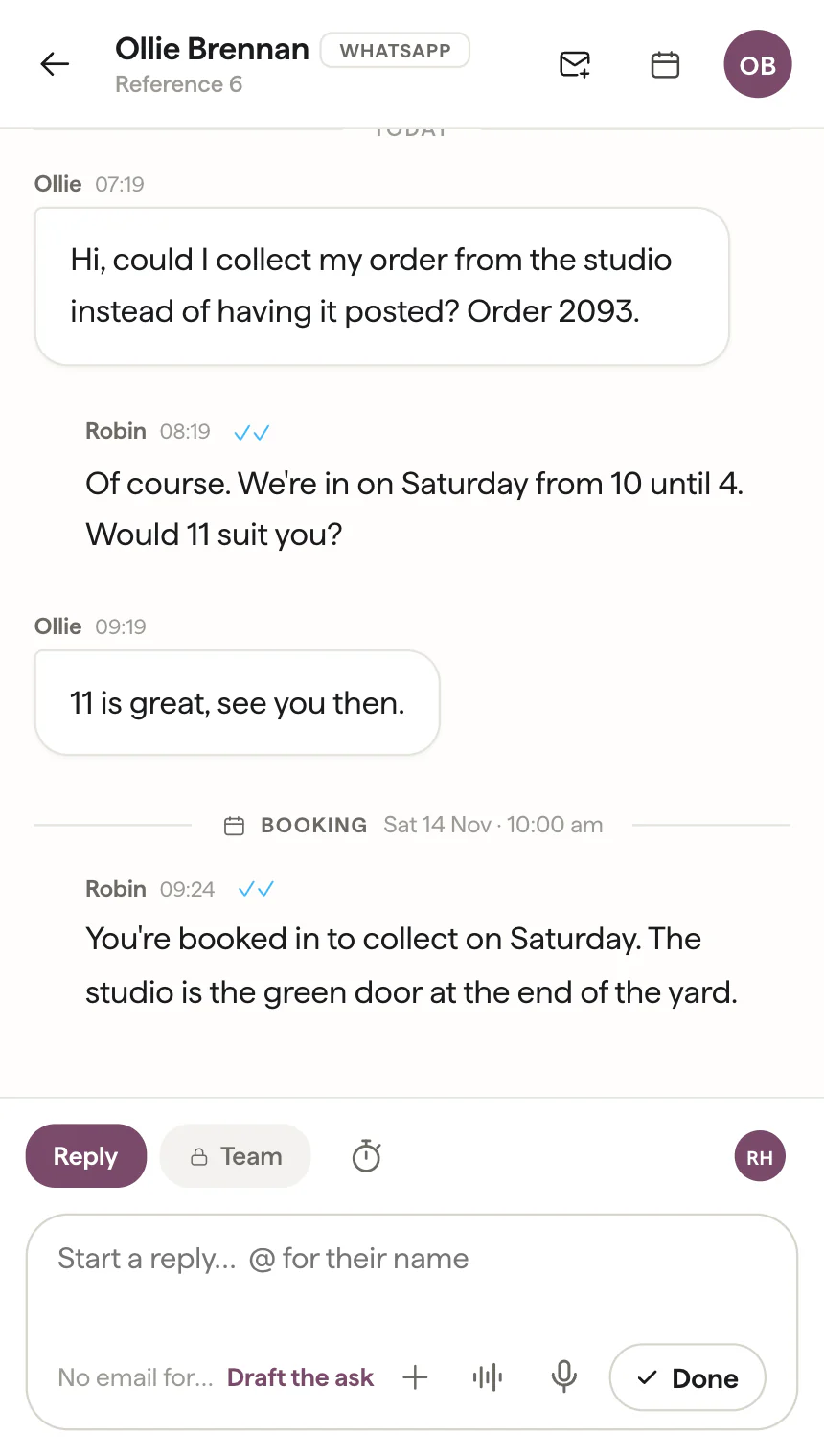
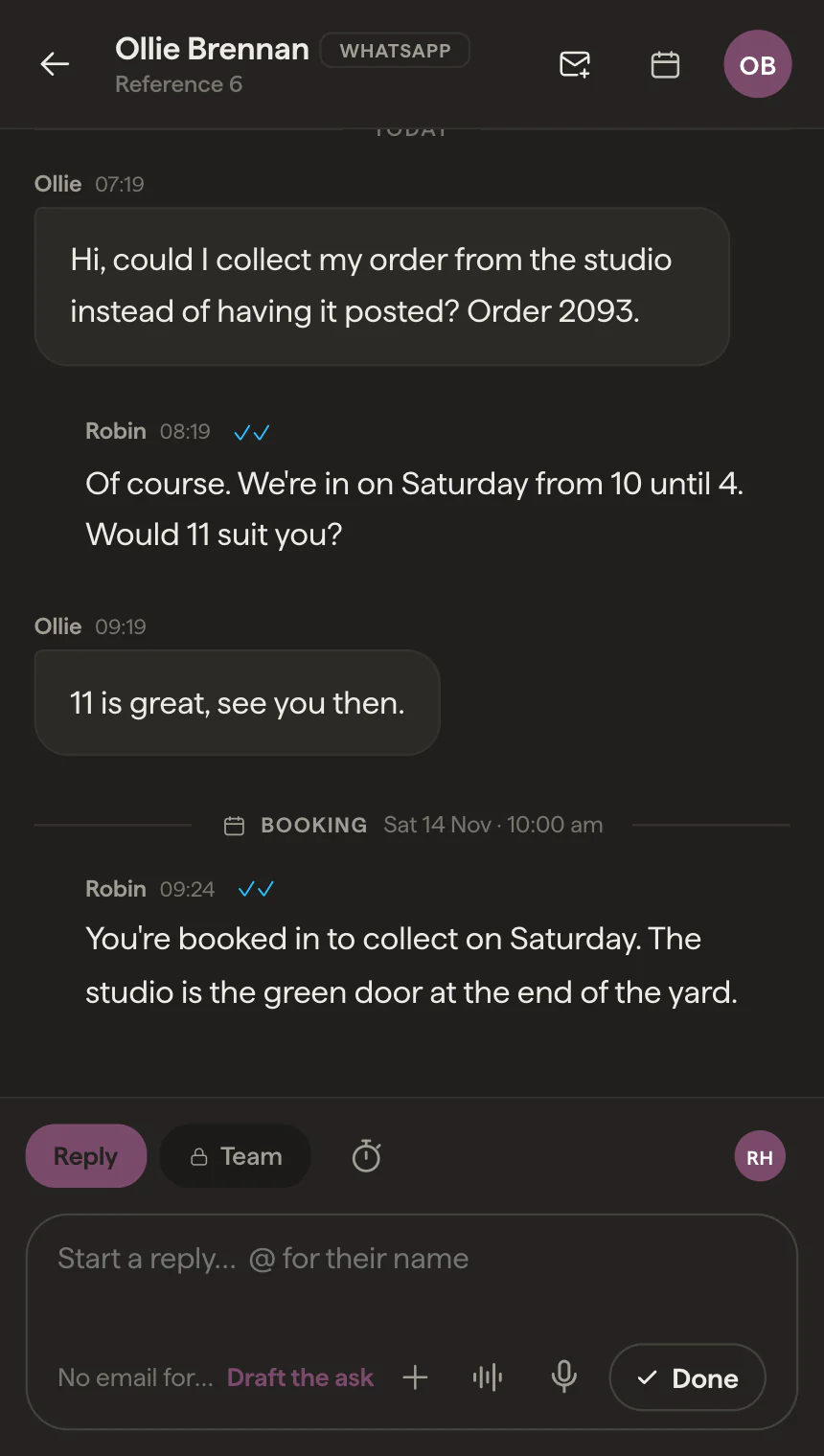
Our integration went through Meta’s App Review for conversations between customers and the people who answer them, with broadcasts and chatbots left out. A WhatsApp conversation sits in the same list as email and Instagram, with an owner, private notes and the customer’s record whichever channel they used. Meta lets a business reply for 24 hours after the customer’s last message; Inbox shows a countdown in the last three hours, and once the window closes the reply box says so and offers a note to the team, or an email if you have their address.
Try it with your own number
If your customers already message you on WhatsApp, start a 14-day trial with no card, connect the number, and see its conversations arrive beside everything else. Or book a demo, and we’ll show you around.